Tag: Etsy tips

  • Etsy Digital Download Ideas For Passive Income

    Etsy Digital Download Ideas For Passive Income

    I remember sitting at my desk six months ago, staring at a pile of bills and wondering if there was a way to make a few extra hundred dollars a month without committing to a second 9-to-5. That search led me to Etsy digital downloads. Unlike physical products, where you have to deal with shipping, inventory, and broken items, digital files are created once and sold a thousand times. It is one of the most beginner friendly ways to start an online business because your overhead is incredibly low.

    If you are comparing this vs traditional job structures, the biggest difference is the scalability. While a job pays you for your time, a digital shop works while you sleep. You might not get rich overnight, but once you build a library of high-quality files, the income can become quite steady. Let’s look at some specific niches that actually have demand right now.

    Profitable Digital Product Categories to Explore

    Choosing a niche is the hardest part. You want something that people are actively searching for, but you don’t want to enter a market so saturated that your hard work goes unnoticed. Here are a few areas where you can find a gap in the market.

    Printable Organization and Planning Tools

    People are obsessed with productivity. This niche is great because once you design a template, you can tweak it for different audiences. You could create meal planners for busy moms, habit trackers for fitness enthusiasts, or budget planners for college students. Using tools like Canva or Adobe Illustrator, you can build these layouts relatively quickly.

    • Time investment: 2-5 hours per template design.
    • Startup cost: $0 (using free versions of Canva).
    • Potential monthly income: $50 – $500 per month as your shop grows.

    Educational Resources for Teachers and Parents

    With the rise of homeschooling and supplemental learning, there is a massive market for “busy work” or educational worksheets. Think alphabet tracing sheets, math flashcards, or coloring pages. This is a high-volume niche, meaning you might sell many items at a lower price point, but the demand is almost constant.

    Parents often look for these items last minute, making them prime candidates for quick impulse buys. If you have a knack for making learning fun, this is a great path.

    Digital Stationery and Wedding Templates

    Wedding planning is expensive, so many couples look for budget-friendly DIY options. You can design wedding invitations, RSVP cards, and “save the date” templates that customers can edit themselves using platforms like Corjl or Templett. This requires a bit more technical setup, but the profit margins per sale are often higher than a simple printable.

    • Time investment: 10-15 hours for a full cohesive wedding suite.
    • Startup cost: $20-$50 for software subscriptions.
    • Potential monthly income: $200 – $1,500+ during peak wedding seasons.

    Essential Tools for Your Digital Shop

    You don’t need a degree in graphic design to succeed here, but you do need the right toolkit. I started with nothing but a laptop and a free Canva account, and that was enough to get my first sale. As you grow, you might want to upgrade.

    For design, Canva is the gold standard for beginners. It is intuitive and has thousands of elements at your disposal. If you want to get more professional and create vector-based graphics that never lose quality when resized, investing in Adobe Illustrator is a smart move. For typography, check out Creative Market or Google Fonts to ensure your designs look unique and professional.

    Managing your shop requires organization. Use Etsy’s built-in analytics to see which keywords are bringing people to your shop. You should also use a tool like eRank or Marmalead. These are essential for SEO because they tell you exactly what shoppers are typing into the search bar, helping you avoid guessing games.

    How to Keep Your Startup Cost Low

    One of the biggest advantages of this business model is the minimal startup cost. You aren’t renting a warehouse or buying bulk supplies. Your primary expenses will be:

    1. Etsy Listing Fees: $0.20 per item listed.
    2. 0. Design Software: $0 to $50 per month.

    3. Research Tools: $0 to $30 per month.

    Because your risk is so low, you can afford to experiment. If you spend a weekend making planners and they don’t sell, you haven’t lost hundreds of dollars in materials. You’ve only lost a bit of time. This allows you to pivot quickly to a different niche if you notice the market isn’t responding to your current style.

    The Reality of Making Passive Income

    I want to be honest with you: “passive” is a bit of a misnomer in the beginning. There is a significant amount of active work required to set up your shop, create your first 20-30 products, and optimize your listings. You won’t see much movement until you have a substantial catalog of items.

    Think of it like planting a garden. You have to prepare the soil, plant the seeds, and water them every day for a while before you can sit back and enjoy the harvest. However, once that garden is established, the maintenance is minimal compared to the output. The goal is to reach a point where your existing listings generate sales without you needing to create something new every single day.

    Success on Etsy comes down to consistency and listening to your customers. Read your reviews, see what people are asking for, and use that data to inform your next design. If you stay focused on solving problems for your customers, the income will follow.

    Are you ready to start your own digital shop? Pick one niche from the list above, grab a free Canva account, and try to create your first five listings this week. The hardest part is simply starting.

  • How To Automate Your Etsy Shop With Ai Tools

    How To Automate Your Etsy Shop With Ai Tools

    If you have ever spent four hours straight trying to write product descriptions only to end up staring blankly at a blinking cursor, you are not alone. Running an Etsy shop can feel like a second full-time job, and honestly, it often feels like much more because you are the designer, the marketer, the customer service rep, and the shipping clerk all at once. The dream of an Etsy side hustle is usually passive income, but the reality is often a mountain of repetitive tasks that eat up your weekends.

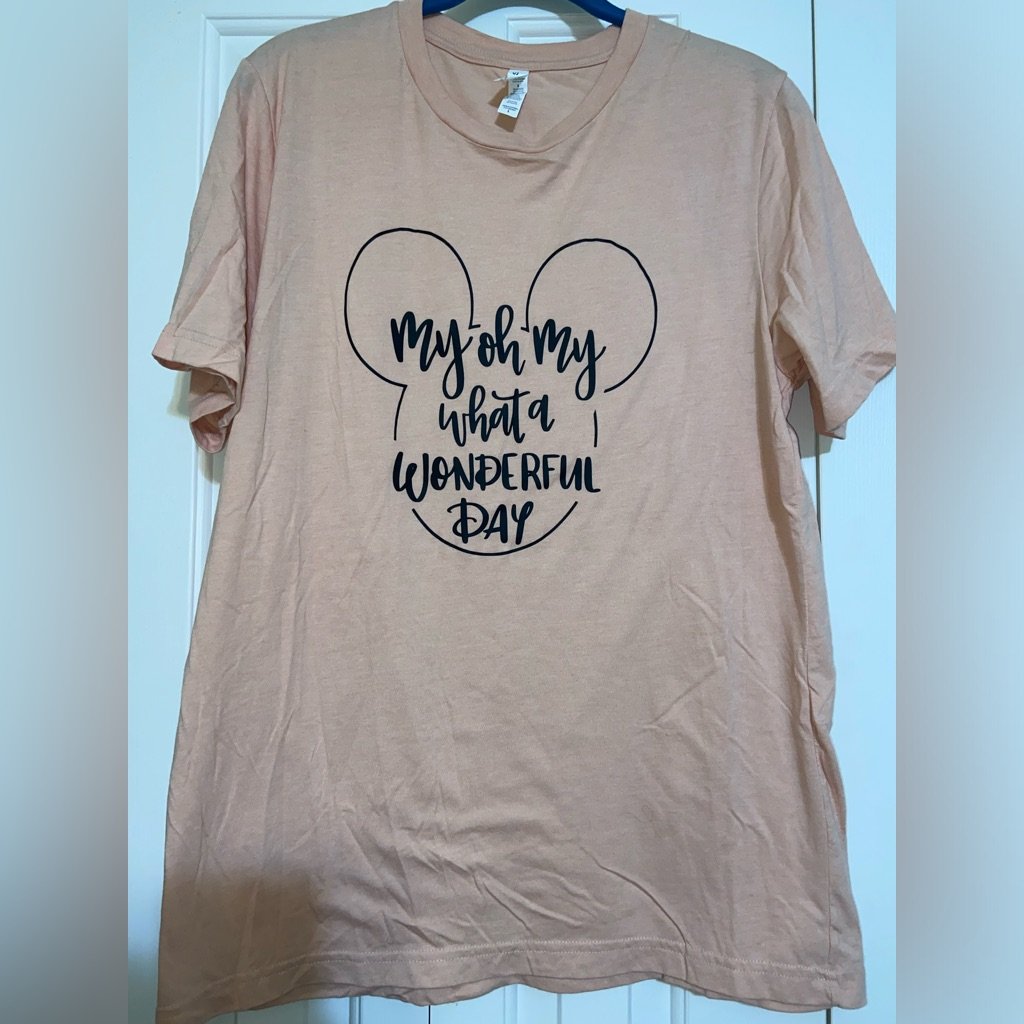
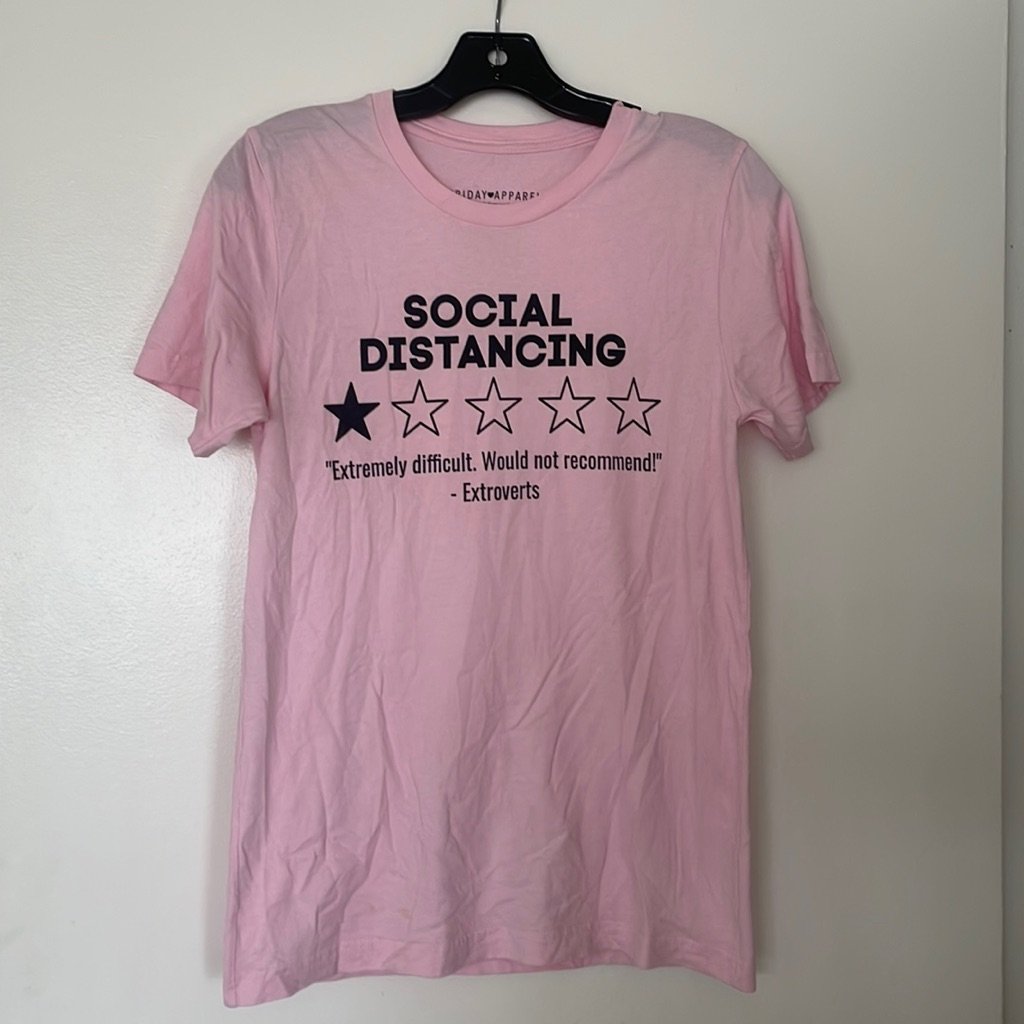
    Disney Etsy Shop Shirt

    The good news is that you don’t need to hire a virtual assistant or a massive team to get your time back. We are living in a period where small-scale creators can use AI to handle the heavy lifting. By automating the boring parts of your shop, you can focus on the actual creation part—the part that actually makes you money. Let’s look at how you can actually put these tools to work without breaking your budget.

    Where AI fits into your workflow

    Automation isn’t about letting a robot run your entire business while you sleep; it is about removing the friction from your daily routine. When people compare an Etsy shop vs traditional job, they often forget that a shop requires constant manual updates to stay visible in search results. AI can help you manage three main pillars: product creation, shop management, and marketing.

    Think about the time you spend researching keywords, drafting emails, or editing photos. If you can shave thirty minutes off each of those tasks every day, that adds up to hours of freedom every week. Here is a breakdown of the specific areas where you can start automating right now.

    Content generation and copywriting

    Writing SEO-friendly titles and descriptions is perhaps the most exhausting part of Etsy management. You have to balance being descriptive for humans while hitting all the right keywords for the Etsy algorithm. Tools like ChatGPT or Claude are incredible for this. Instead of writing from scratch, you can feed these tools a list of your product’s features and ask them to generate five different title variations and a long-form description.

    If you want to be even more efficient, try using Jasper. It has specific templates designed for e-commerce that follow high-converting copywriting frameworks. This ensures your descriptions don’t just list facts but actually encourage a purchase, which is vital for your ROI.

    Visuals and product photography

    High-quality photos are non-negotiable on Etsy, but setting up a professional studio is expensive. If you sell digital products, tools like Midjourney or DALL-E 3 can help you create stunning mockups or base designs. If you sell physical goods, you can use AI-powered photo editors like Canva’s Magic Studio or Photoroom. These tools can automatically remove messy backgrounds and replace them with clean, professional lifestyle settings.

    This saves you the cost of hiring a photographer. You can take a photo on your phone in natural light, use an AI tool to clean it up, and suddenly your listing looks like it belongs in a high-end boutique. The startup cost here is minimal, often just the price of a monthly subscription which ranges from $10 to $30.

    The logistics of automation: Managing your shop

    Beyond the creative side, there is the “admin” side. This includes responding to customer inquiries, managing inventory, and tracking trends. While AI cannot yet physically pack your orders, it can certainly help you stay ahead of the curve.

    • Customer Service: Use AI to draft templates for common questions. When a customer asks about shipping times or custom orders, you can use a tool like TextExpander or even a custom GPT to generate a polite, personalized response in seconds.
    • Trend Research: Tools like Alura or Everbee use data-driven insights to tell you exactly what people are searching for on Etsy. This removes the guesswork. Instead of hoping a product sells, you are using data to decide what to make next.
    • Social Media Scheduling: Use Buffer or Later to schedule your Pinterest and Instagram posts weeks in advance. You can use AI to write the captions and even suggest the best hashtags based on current trends.

    Budgeting for your automation toolkit

    One common fear is that these tools will eat up all your profits. However, if you view these as business expenses rather than hobbies, the math changes. Most of these tools follow a “freemium” model, meaning you can start for $0 and only upgrade as your shop grows.

    A realistic starter budget for an automated workflow might look like this:

    1. ChatGPT Plus (for advanced writing and data analysis): $20/month
    2. Canva Pro (for design and background removal): $12/month
    3. Everbee or Alura (for Etsy market research): $20-$40/month
    4. Total Monthly Investment: Approximately $52 – $72

    When you consider that this investment can save you 10-15 hours of manual work per month, the cost becomes negligible. The real question is how much can you earn if you use that saved time to launch two new product lines instead of struggling with old descriptions.

    Managing expectations and human touch

    It is tempting to try and automate everything, but there is a massive trap here. If your shop starts to feel robotic, customers will notice. Etsy is a marketplace built on the idea of handmade, unique, and personal connection. If your “About Me” section sounds like it was written by a corporate bot, you will lose the very thing that makes Etsy special.

    Always review and edit what the AI produces. Use it to create the foundation, but add your own voice, your own brand personality, and your own unique stories. The goal is to use AI to handle the structure so you can focus on the soul of your business.

    Running an Etsy shop can be incredibly lucrative, with some sellers reaching five or six figures in annual revenue. However, the difference between a hobbyist and a professional is often how they manage their time. If you can master these tools, you aren’t just running a shop; you are building a scalable brand.

    Ready to reclaim your time? Pick one task this week—maybe it’s writing your next five product descriptions—and try using an AI tool to do it. See how much time you save, and then use that extra time to create something amazing.

    Our Top Picks

    Products we recommend:

    1. How to Automate Your Life with Google Gemini – Audiobook, by Julian Brantor

    How to Automate Your Life with Google Gemini - Audiobook, by Julian Brantor

    How to Automate Your Life with Google Gemini – Audiobook, by Julian Brantor

    by Chirp Books

    $8.99

    Check Price →

    2. AI and Innovation How to Transform Your Business and Outpace the Competition with Generative AI

    AI and Innovation How to Transform Your Business and Outpace the Competition with Generative AI

    AI and Innovation How to Transform Your Business and Outpace the Competition with Generative AI

    by Knetbooks.com

    $22.52

    Check Price →

    3. How to Start a Home-based Etsy Business

    How to Start a Home-based Etsy Business

    How to Start a Home-based Etsy Business

    by Christianbook.com

    $18.24

    Check Price →

  • How To Automate Your Etsy Shop With Ai Tools

    How To Automate Your Etsy Shop With Ai Tools

    If you’ve ever spent three hours staring at a blank screen trying to write a product description for a single ceramic mug, you know the Etsy burnout is real. We start these shops because we love creating, but we end up spending more time acting as copywriters, SEO experts, and customer service reps than actually making things. The good news is that you don’t have to do it all manually anymore. Using AI isn’t about being lazy; it’s about reclaiming your time so you can focus on the parts of your business that actually require a human touch.

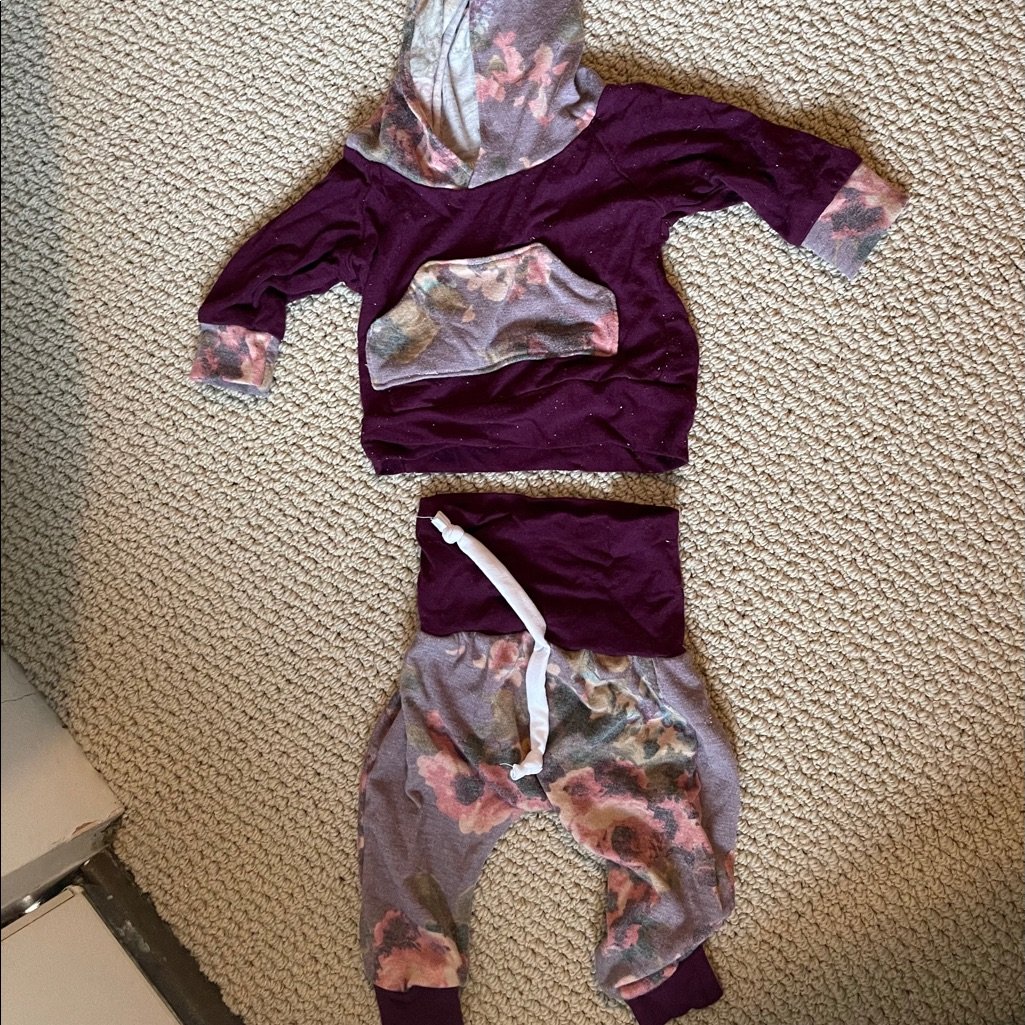
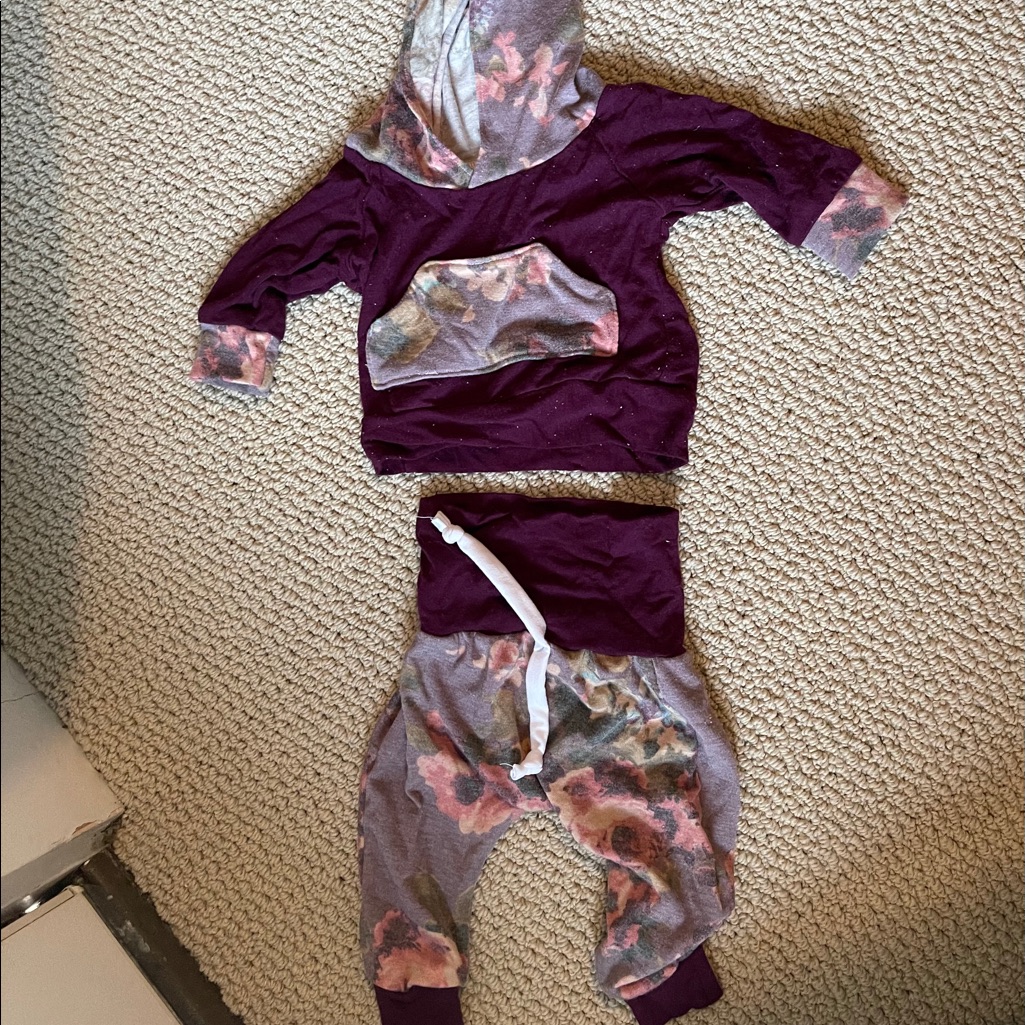
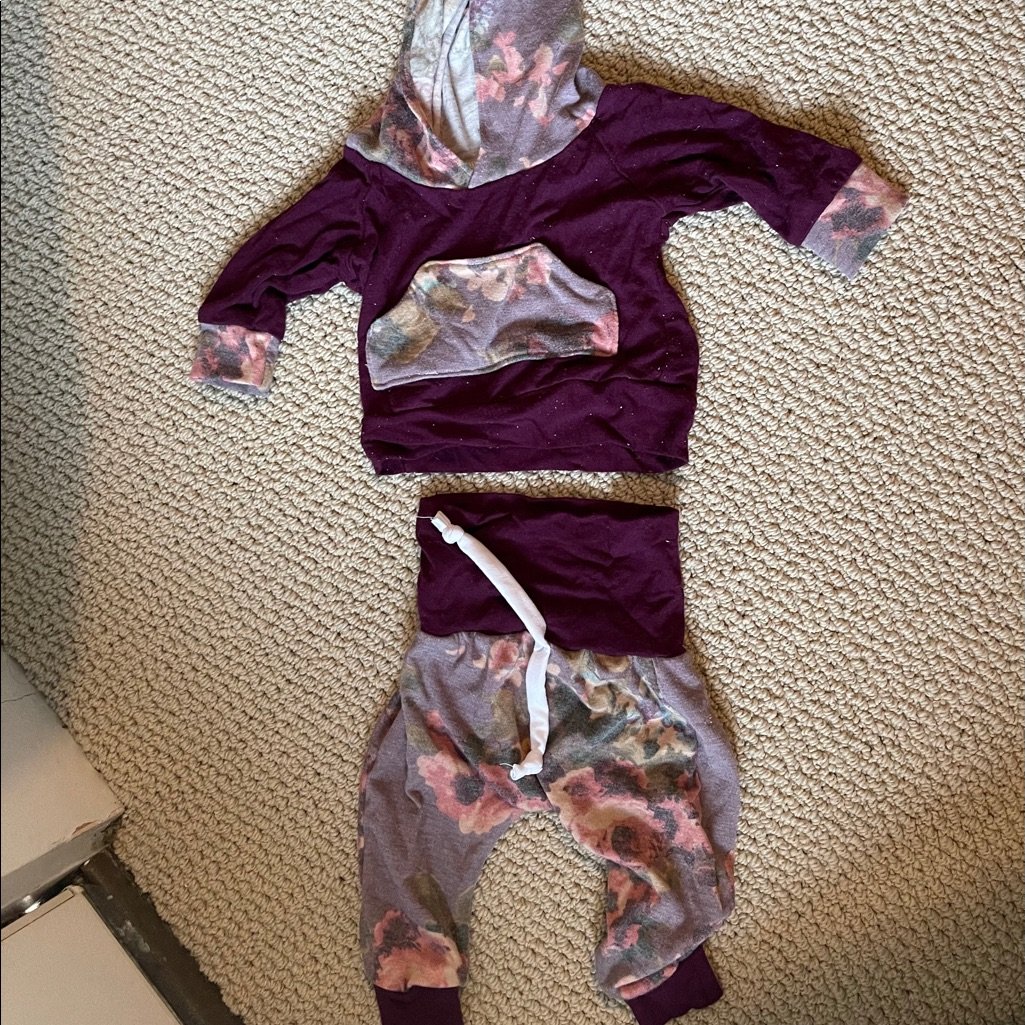
    Two Piece, Etsy Shop

    Automating your workflow can significantly impact your bottom line. While a typical beginner might see a modest profit of $200–$500 a month, a well-optimized shop using smart systems can scale into the thousands. The startup cost for these tools is surprisingly low, often starting at just $20 a month for a handful of subscriptions, making this a very beginner friendly way to scale.

    Streamlining your product listings with generative AI

    The most time-consuming part of running an Etsy shop is likely the listing process. You have the photo, you have the product, but now you need titles, tags, and descriptions that actually show up in search results. This is where Large Language Models (LLMs) become your best friend.

    Writing descriptions that sell

    Tools like ChatGPT or Claude are incredible for drafting product copy. Instead of asking them to “write a description,” give them specific details. Tell the AI the material, the dimensions, the vibe (e.g., “boho,” “minimalist,” or “dark academia”), and who the target audience is. You can feed it a list of keywords and ask it to weave them naturally into a story about the product. This helps you avoid the “robeless” feel that many AI-generated texts have.

    Mastering Etsy SEO and tags

    Etsy’s search algorithm relies heavily on your titles and tags. If you use tools like eRank or Marmaleader, you can find out what people are actually searching for. Once you have those high-volume keywords, you can use AI to brainstorm long-tail keyword variations. This ensures your listings are optimized for both humans and robots without you having to spend hours on keyword research.

    Visual automation and product photography

    High-quality photos are non-negotiable on Etsy, but setting up a professional studio setup is expensive and time-consuming. AI-driven image tools can help you create professional-grade imagery without the heavy equipment.

    • Background removal and replacement: Tools like Photoroom or Canva’s Magic Studio allow you to take a photo on your kitchen table and instantly swap the background for a clean, marble surface or a cozy lifestyle setting.
    • rumor AI Upscaling: If you have a great photo that is slightly blurry or low resolution, tools like Topaz Photo AI can sharpen the details, making your products look crisp and premium.

    • Mockup generation: If you sell digital downloads or print-on-demand items, Placeit or Midjourney can help you generate realistic mockups. This means you don’t need to physically print every design to see how it looks on a t-shirt or a poster.

    The ROI here is massive because high-quality visuals directly correlate to higher conversion rates. Spending $15 a month on a tool like Canva Pro can save you hundreds in photography costs and hours of manual editing.

    Managing customer service and shop operations

    As your order volume grows, so does the number of “Where is my package?” messages. Handling these manually can eat up your entire morning. While you should never use a bot to talk to customers—people want to feel heard by a real person—you can use AI to draft your responses.

    Create a “Snippet Library” in your email or Etsy messages using AI-generated templates. You can use ChatGPT to write polite, professional, and empathetic templates for common scenarios like shipping delays, damaged items, or custom order inquiries. When a problem arises, you simply copy, paste, and tweak the specific details. This keeps your response time low, which is a key metric for Etsy’s search ranking.

    Automating social media marketing

    An Etsy shop cannot survive on Etsy alone. You need traffic from Pinterest, Instagram, and TikTok. This is where the heavy lifting happens. You can use tools like Buffer or Later to schedule posts in advance. To create the content itself, you can use tools like Canva to turn one product photo into a week’s worth of Pinterest pins, Instagram Stories, and TikTok captions. This allows you to maintain a consistent brand presence with only about two hours of work per week.

    Budgeting for your automation toolkit

    Before you start subscribing to every new tool you see on TikTok, it is vital to plan your expenses. Here is a realistic breakdown of what a basic, automated setup might look like for a new seller:

    1. Essential SEO/Research: $10–$30/month (eRank or Marmaleader).
    2. Content & Design: $12–$15/month (Canva Pro).
    3. Writing & Copy: $0–$20/month (ChatGPT Free or Plus).
    4. Social Media Scheduling: $0–$15/month (Buffer or Later).

    Total monthly startup cost for automation: Approximately $22–$80. When you compare this to the time saved, the math almost always works in your favor.

    Common pitfalls to avoid

    Automation is a tool, not a replacement for your creativity. The biggest mistake I see sellers making is “set it and forget it.” If you purely copy and paste AI text without reading it, your shop will eventually feel generic and lose its soul. Customers come to Etsy for the human element. Use AI to handle the repetitive, boring tasks, but always perform a final human review of every listing, every message, and every social post.

    Another trap is over-automating your branding. If your brand voice is quirky and fun, but your AI-generated descriptions are stiff and formal, you will confuse your customers and hurt your brand loyalty. Keep your unique personality at the center of everything you do.

    If you are ready to stop drowning in admin work and start focusing on your craft, start small. Pick one area—maybe it’s just your product descriptions—and implement one AI tool this week. Once you see the time savings, you can expand your toolkit.

    Ready to scale your shop? Start by auditing your weekly tasks and identifying the three most repetitive things you do. That is your roadmap for what to automate next!

    Our Top Picks

    Products we recommend:

    1. How to Automate Your Life with Google Gemini – Audiobook, by Julian Brantor

    How to Automate Your Life with Google Gemini - Audiobook, by Julian Brantor

    How to Automate Your Life with Google Gemini – Audiobook, by Julian Brantor

    by Chirp Books

    $8.99

    Check Price →

    2. AI and Innovation How to Transform Your Business and Outpace the Competition with Generative AI

    AI and Innovation How to Transform Your Business and Outpace the Competition with Generative AI

    AI and Innovation How to Transform Your Business and Outpace the Competition with Generative AI

    by Knetbooks.com

    $28.96

    Check Price →

    3. How to Start a Home-based Etsy Business

    How to Start a Home-based Etsy Business

    How to Start a Home-based Etsy Business

    by Christianbook.com

    $18.24

    Check Price →

  • How To Automate Your Etsy Shop With Ai Tools

    How To Automate Your Etsy Shop With Ai Tools

    Running an Etsy shop often feels like a second full-time job. Between crafting products, managing inventory, responding to customer messages, and trying to figure out SEO, there aren’t many hours left in the day for actual creativity. If you find yourself staring at a mountain of unoptimized listings at 2 AM, you aren’t alone. The good news is that you don’t need to hire a massive team to scale your business. Instead, you can use a few smart AI tools to handle the repetitive grunt work, giving you back your weekends.

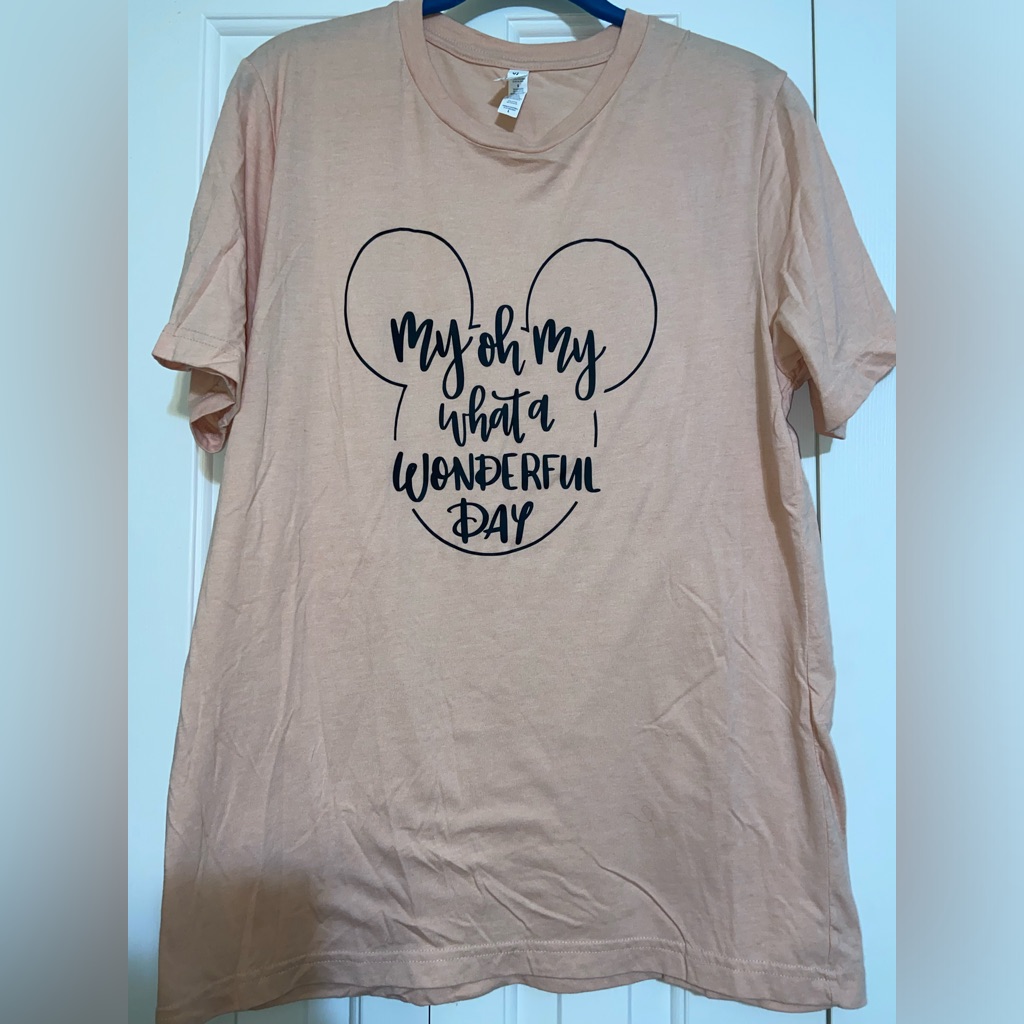
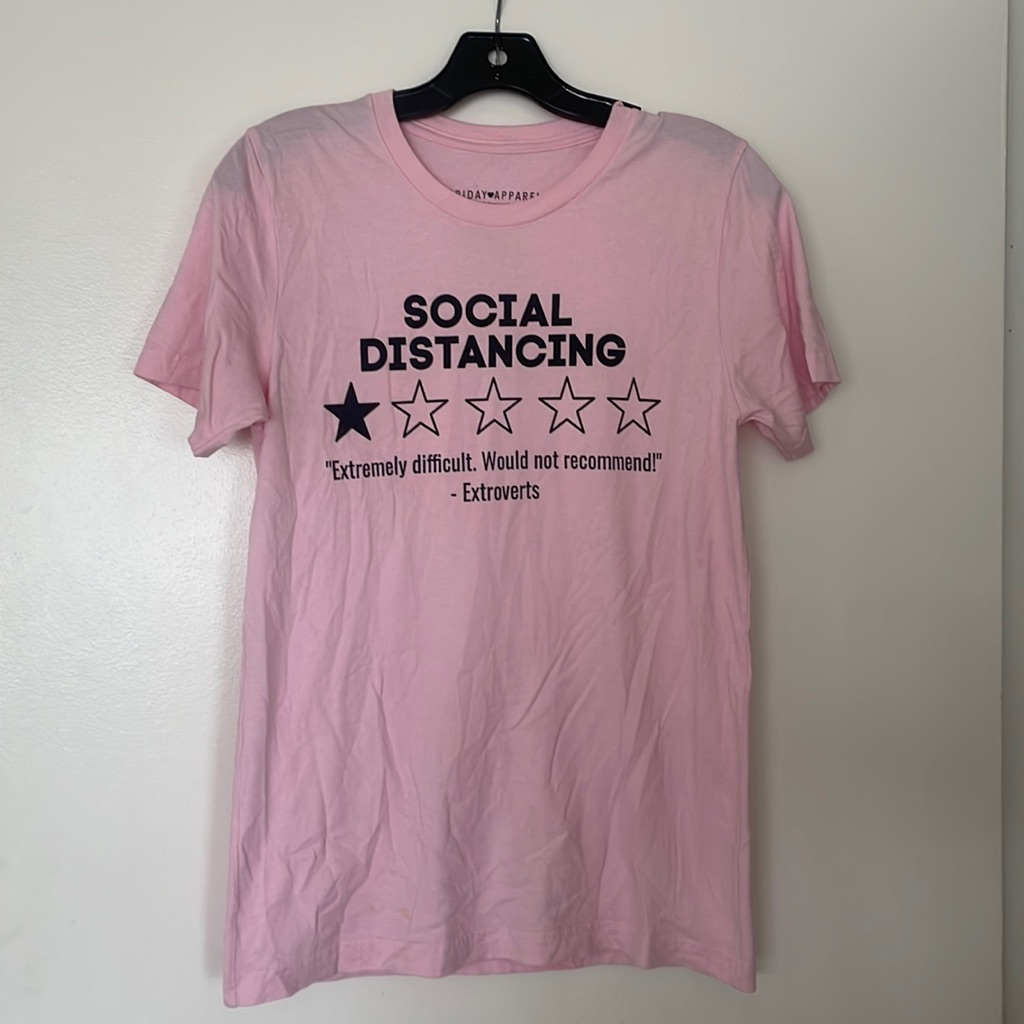
    Etsy Shop Tshirt

    Automating your workflow isn’t about removing the human touch that makes Etsy special. It is about removing the friction that prevents you from growing. By delegating data-heavy tasks to software, you can focus on designing better products and building a brand. Let’s look at how you can realistically implement this without breaking your budget.

    Where AI fits into your Etsy workflow

    Before we jump into specific tools, it is helpful to identify which parts of your shop are actually worth automating. Not every task needs a robot. You shouldn’t automate your unique product design, but you definitely should automate your keyword research and product descriptions.

    Think of automation in three main buckets:

    • Content Creation: Writing titles, tags, and descriptions that help people find you.
    • Visual Assets: Enhancing photos, removing backgrounds, or creating mockups.
    • Customer Management: Handling basic inquiries and managing order updates.

    If you are wondering how much can you earn by automating, the answer depends on your scale. A shop owner using automation might manage 500 listings with the same effort it takes a traditional seller to manage 50. This efficiency directly impacts your ROI because you are reducing the “cost” of your time.

    Streamlining your SEO and listings

    SEO is the heartbeat of Etsy. If your titles and tags aren’t hitting the right search terms, your shop stays invisible. This is the easiest area to start automating because it is purely data-driven.

    Using ChatGPT for descriptive writing

    ChatGPT (or Claude) can act as your personal copywriter. Instead of staring at a blank screen, you can feed the AI a list of your product features and ask it to write an Etsy-friendly description. To get the best results, don’t just ask for “a description.” Tell it to “write an Etsy product description using a friendly tone, including a list of materials, and incorporating keywords like ‘handmade gift’ and ‘boho decor’.”

    Automating keyword research with eRank or Marmalead

    While not “pure” AI in the way a chatbot is, tools like eRank and Marmalead use complex algorithms to analyze search trends. They can tell you exactly which tags are trending and which are too competitive. Automating your research process with these tools prevents you from wasting time on keywords that no one is actually typing into the search bar.

    Enhancing product visuals without a studio

    High-quality photography is non-negotiable on Etsy, but setting up a professional studio is expensive. This is where AI-driven image tools can significantly lower your startup cost.

    Tools like Photoroom or Canva’s Magic Edit allow you to take a simple photo of your product on a kitchen table and transform it into a professional lifestyle shot. You can remove messy backgrounds and replace them with clean, aesthetic textures that match your brand. This allows you to achieve a high-end look for a fraction of the cost of a professional photographer.

    If you sell digital products like printables or clip art, you can use Midjourney to generate unique elements or backgrounds. However, be careful here—always ensure you have the rights to use the generated images commercially and that they don’t look “too robotic” for your specific niche.

    Managing the boring stuff: Customer service and operations

    As your order volume grows, so does the number of “Where is my package?” messages. Handling these manually can eat up hours of your week.

    While Etsy doesn’t allow fully autonomous bots to talk to customers (which is actually a good thing for maintaining trust), you can use AI to draft responses. You can create a library of “Smart Replies” in tools like TextExpander or use AI to summarize long customer inquiries so you can respond faster.

    For inventory and logistics, tools like Printful or Printify (if you are doing Print-on-Demand) automate the entire fulfillment process. When a customer buys a shirt, the order is automatically sent to the printer, printed, and shipped without you ever touching a piece of packaging tape. This is the ultimate form of automation for scaling a shop quickly.

    The reality check: Costs and time investments

    Automation isn’t free, but it is an investment in your growth. Here is a breakdown of what you can expect to spend and how much time you might save.

    Estimated Monthly Costs:

    • Basic Automation (ChatGPT + Canva + eRank): $30 – $50 per month.
    • Advanced Automation (Midjourney + Photoroom + Print-on-Demand): $70 – $120 per month.

    Time Investment:

    Initially, you will spend about 5-10 hours setting up your workflows and learning the tools. However, once the systems are in place, you can expect to reduce your daily administrative tasks by at least 50%. This reclaimed time can be reinvested into product development, which is what actually drives revenue.

    When calculating your ROI, don’t just look at the monthly subscription fees. Look at the value of the hours you’ve recovered. If your time is worth $30 an hour, and automation saves you 20 hours a month, the tools have already paid for themselves several times over.

    Final thoughts on scaling your shop

    Don’t try to automate everything overnight. Start with one area—perhaps your product descriptions—and master it before moving on to image generation or fulfillment automation. The goal is to build a system that supports your creativity rather than replacing it.

    If you are ready to take your Etsy business to the next level, pick one tool mentioned above and try integrating it into your next listing. You might be surprised at how much lighter your workload feels.

    Our Top Picks

    Products we recommend:

    1. How to Etsy: Your Step by Step Guide to Etsy

    How to Etsy: Your Step by Step Guide to Etsy

    How to Etsy: Your Step by Step Guide to Etsy

    by Audiobooks.com

    $19.99

    Check Price →

    2. How to Automate Your Life with Google Gemini – Audiobook, by Julian Brantor

    How to Automate Your Life with Google Gemini - Audiobook, by Julian Brantor

    How to Automate Your Life with Google Gemini – Audiobook, by Julian Brantor

    by Chirp Books

    $8.99

    Check Price →

    3. AI and Innovation How to Transform Your Business and Outpace the Competition with Generative AI

    AI and Innovation How to Transform Your Business and Outpace the Competition with Generative AI

    AI and Innovation How to Transform Your Business and Outpace the Competition with Generative AI

    by Knetbooks.com

    $28.96

    Check Price →

  • Print On Demand Mug Designs That Actually Sell

    Print On Demand Mug Designs That Actually Sell

    You’ve probably seen the ads. They show someone sitting on a beach, sipping a latte, while notifications pop up on their phone saying they just made another $20 sale. It looks effortless, but if you’ve ever tried to upload a design to a shop only to see zero traffic, you know the truth: anyone can upload a mug, but very few people know how to create one that people actually want to buy.

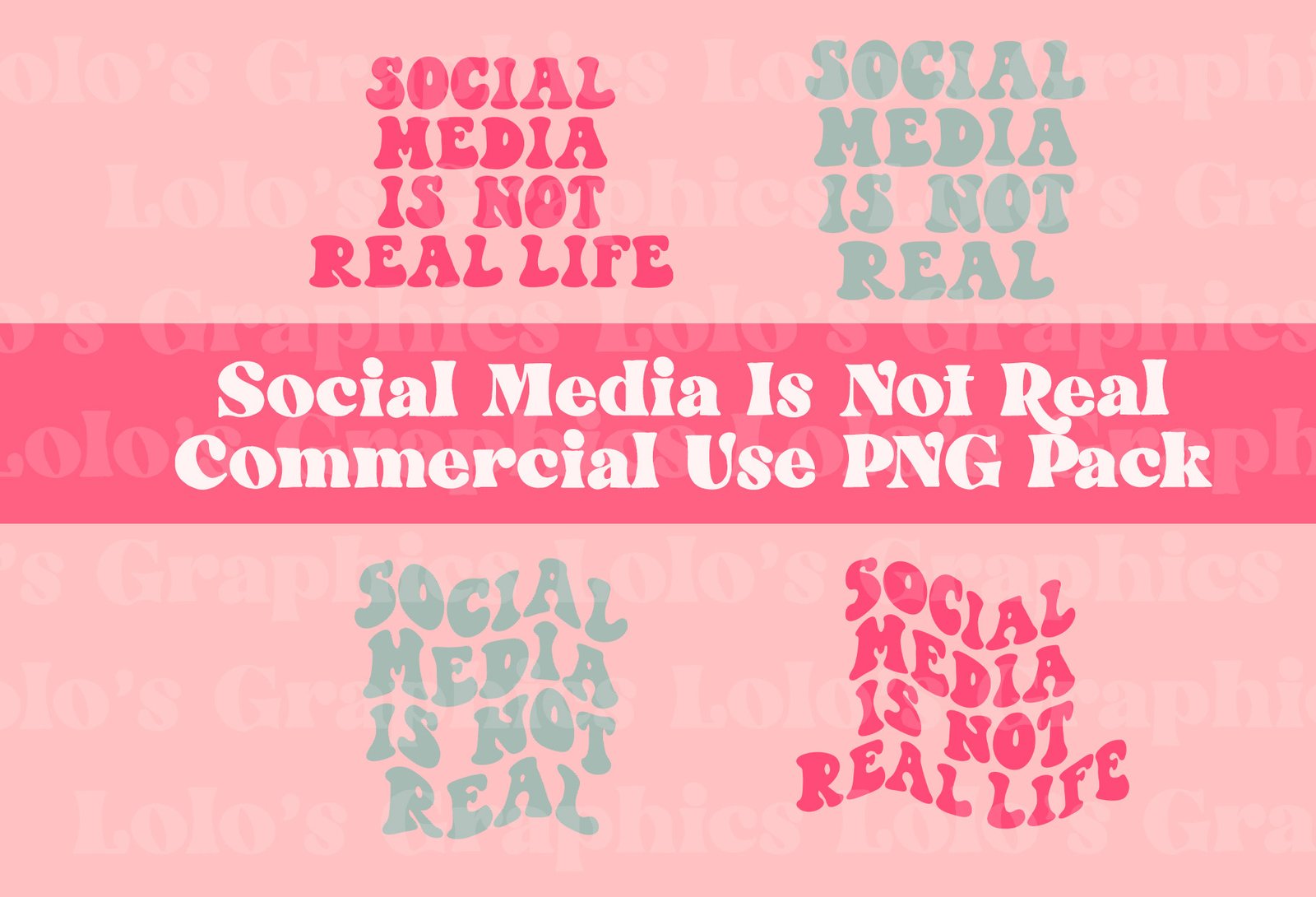
    Print On Demand T-Shirt Designs Png by Cotswold Co Designs | Creative Market

    The print on demand (POD) mug market is crowded, but it isn’t dead. The secret isn’t about quantity; it’s about finding that sweet spot where a specific passion meets a clever design. If you’re looking for a beginner friendly way to start an online business, mugs are a fantastic entry point because they have low overhead and high utility. Let’s talk about what actually moves the needle in sales.

    The Reality of the Mug Business

    Before we get into the design specifics, let’s address the elephant in the room. You might be wondering, how much can you earn by selling mugs? It varies wildly. I’ve seen hobbyists making an extra $50 a month to cover their coffee habit, while full-time sellers manage monthly profits between $1,000 and $5,000. However, reaching those higher tiers requires consistent work and a deep understanding of your niche.

    When comparing this vs traditional job stability, keep in mind that POD is a volume game. You won’t get a steady paycheck every Friday, but you also don’t have a boss or a commute. Your startup costs are incredibly low. If you use platforms like Printful or Printify integrated with Etsy, you can start with less than $100, mostly covering your Etsy listing fees and perhaps a subscription to a design tool like Canva Pro or Creative Fabrica.

    The Time Investment Breakdown

    • Research Phase: 5-10 hours per week (finding trends and niche gaps).
    • Design Phase: 2-4 hours per week (creating high-quality graphics).
    • Listing & SEO: 3-5 hours per week (writing titles, tags, and descriptions).

    High-Converting Design Categories

    Stop trying to make “funny mugs” for everyone. “Funny” is not a niche; it’s a feature. To sell, you need to target specific identities. People buy mugs that reflect who they are, what they do, or what they love.

    Hyper-Niche Hobbyist Designs

    Think about the groups that are obsessed with their interests. Instead of “Gardening Mug,” try “Succulent Obsessed Mom” or “Rare Monstera Collector.” The more specific you get, the less competition you face. People in these subcultures love showing off their expertise. Use imagery that only an insider would recognize—like specific tool types or scientific names of plants.

    Profession-Based Humor

    Nurses, teachers, engineers, and software developers are goldmines. These professionals often spend a lot of time around their peers, making mugs a perfect gift. A design that features a joke about “coding errors” or “grading papers” resonates deeply because it creates a sense of community. The key here is to avoid generic jokes and look for “inside baseball” humor that feels authentic to the job.

    The Power of Minimalist Typography

    You don’t always need complex illustrations. Sometimes, a single, beautifully rendered word or a short, witty phrase in a trendy font is all it takes. Retro 70s typography or clean, modern sans-serif fonts can make a simple quote look expensive. This is great because it’s fast to produce and easy to scale.

    Tools to Help You Scale

    You don’t need to be a master illustrator to succeed. There are plenty of resources that can help you bridge the gap between an idea and a finished product.

    Canva is the go-to for most beginners because of its intuitive interface and massive library of elements. If you want to move into more complex, unique illustrations, Creative Fabrica is a lifegold mine for commercial-use graphics and fonts. For those who want to get serious about typography, Adobe Illustrator is the industry standard, though it has a much steeper learning curve.

    For market research, use Etsy Search Bar. Start typing a niche keyword and see what the auto-complete suggests. Those suggestions are literally what people are typing into the search bar right now. You can also use tools like eRank or Marmalead to see exactly how much competition exists for certain keywords.

    Common Mistakes to Avoid

    I’ve seen many talented designers fail because they overlooked the basics. Here is a quick checklist of what to avoid:

    • Low-Resolution Graphics: If your design looks blurry on your screen, it will look terrible on a mug. Always work in 300 DPI.
    • Copyright Infringement: Never use Disney characters, movie quotes, or trademarked phrases. One “cease and desist” can get your entire shop shut down permanently.
    • Ignoring the Mockup: Don’t just upload a flat image. Use high-quality mockups that show the mug in a real setting, like a cozy kitchen or a messy office desk. This helps customers visualize the product in their lives.
    • Generic Titles: “Coffee Mug” is a terrible title. “Funny Programmer Gift – Coding Humor Coffee Cup” is much better for SEO.

    How to Start Your Journey Today

    Don’t wait until you have the “perfect” design to launch. The best way to learn is by doing. Start by picking one niche—just one—and creating ten distinct designs for it. Set up an Etsy shop, connect it to a provider like Printify, and get your first product live.

    The goal isn’t to hit a home run with your first upload. The goal is to build a library of assets that work for you while you sleep. As you see which designs get “favorites” or views, you’ll start to understand the pulse of your market. That’s when the real growth happens.

    Ready to turn your creativity into a side hustle? Pick a niche today and start sketching!

    Our Top Picks

    Products we recommend:

    1. Did That Actually Happen?

    Did That Actually Happen?

    Did That Actually Happen?

    by BiggerBooks.com

    $12.68

    Check Price →

    2. Did That Actually Happen?

    Did That Actually Happen?

    Did That Actually Happen?

    by eCampus.com

    $12.94

    Check Price →

    3. Labels that Sell Goods Painting Print

    Labels that Sell Goods Painting Print

    Labels that Sell Goods Painting Print

    by Wayfair North America

    $519.99

    Check Price →

  • Etsy Digital Download Ideas For Passive Income

    Etsy Digital Download Ideas For Passive Income

    You’ve probably seen the screenshots on Instagram or TikTok: someone sipping coffee in a quiet cafe while notifications pop up on their phone, showing sales from Etsy. It looks incredibly tempting, and honestly, it is. Unlike a traditional job where you trade every single hour for a set paycheck, digital downloads allow you to create something once and sell it a thousand times. You aren’t shipping physical boxes or dealing with post office lines. Once the file is uploaded, the delivery happens automatically while you sleep.

    Passive Income Streams Bundle, 3 in 1 Bundle: Passive Income Secrets, Passive In

    However, let’s get real for a second. It isn’t a “get rich quick” button. It requires upfront work, some research, and a bit of a learning curve with design tools. But if you are looking for a beginner friendly way to start an online business with almost zero overhead, this is one of the best paths to explore. Let’s look at some specific niches that actually have demand and how much effort they really take.

    High-Demand Digital Product Niches

    Finding the right niche is the difference between a shop that sits empty and one that grows. You want to find the sweet spot where people are actively searching for a solution to a problem or a way to celebrate a moment.

    Printable Organization and Planning

    People love feeling organized, but they often lack the time to design their own systems. This is a massive category because the startup cost is essentially just your time and a subscription to a design tool. You can create daily planners, meal trackers, budget sheets, or habit trackers.

    • Time Investment: High initial effort to create a cohesive set of templates.
    • Realistic Income: $50 – $500 per month for a well-optimized shop.
    • Tools to Use: Canva or Adobe Illustrator.

    Wedding and Event Stationery

    The wedding industry is huge and people are constantly looking for ways to save money without sacrificing style. Instead of hiring a custom stationer, they buy editable templates. This includes wedding invitations, RSVP cards, “Save the Date” cards, and even seating charts.

    The trick here is making these “editable.” You can use Canva templates where the customer just clicks a link, changes the names, and prints them out. It’s a huge selling point.

    • Time Investment: Moderate; you need a good eye for typography and layout.
    • Realistic Income: $200 – $1,500+ per month if you catch seasonal trends.
    • Tools to Use: Canva (for templates) and Corjl or Templett (for advanced editing features).

    Educational Resources for Teachers and Parents

    Teachers are often spending their own money to decorate classrooms and create lesson aids. Similarly, homeschooling parents are always hunting for worksheets. Flashcards, alphabet tracing sheets, and classroom posters are evergreen products. These are great because they are often bought in bundles, which increases your average order value.

    • Time Investment: Low to Moderate; requires knowledge of educational layouts.
    • Realistic Income: $100 – $800 per month.
    • Tools to Use: Google Slides, Canva, or PowerPoint.

    Digital Art and Clip Art

    If you have any-level of artistic skill, you can sell clip art sets, seamless patterns, or digital stickers for GoodNotes. Digital planners are a massive trend right now, and they rely heavily on cute, functional stickers to make the experience better for the user.

    • Time Investment: High; creating original art takes time and skill.
    • Realistic Income: Highly variable; $50 – $1,000+ depending on your art style’s popularity.
    • Tools to Use: Procreate (on iPad) or Adobe Fresco.

    Comparing the Costs and Effort

    When comparing this vs traditional job structures, you have to look at the “sweat equity.” In a job, you know exactly what you’ll earn. In Etsy, your income is tied to how well you understand SEO and customer needs. However, the financial risk is incredibly low.

    Wedding Templates
    Product Type Skill Level Initial Setup Time
    Printable Planners Low/Medium 20-40 Hours
    Medium/High 30-50 Hours
    Clip Art/Digital Art High Ongoing

    How to Get Started Without Overwhelming Yourself

    Don’t try to open a shop with 100 different products on day one. You will burn out before you even make your first sale. Instead, follow this simple roadmap:

    1. Research the competition: Go to Etsy and type in “printable planner.” Look at what the best-selling items look like. Don’t copy them, but notice their color palettes, their file types, and what customers are complaining about in the 1-star reviews.
    2. Master one tool: Pick either Canva or Procreate. Don’t try to learn five different design programs at once. Master the basics of margins, fonts, and exporting high-quality PDFs.
    3. Focus on SEO: Your product won’t sell if no one can find it. Use tools like eRank or Marmalead to find keywords that people are actually typing into the search bar.
    4. Create a “Minimum Viable Product”: Start with one single, high-quality item. Once you understand how to upload it, how to write the description, and how to handle a customer inquiry, then expand your catalog.

    The most important thing is consistency. You might not see a sale in your first week, or even your first month. But every listing you add is like a little digital employee working for you 24/7. Keep adding value, keep refining your designs, and eventually, the momentum will build.

    Ready to start your side hustle? Pick one niche from the list above, grab a free Canva account, and try to design your first single-page tracker this weekend. The hardest part is simply hitting “publish.”

    Our Top Picks

    Products we recommend:

    1. Passive Income Investing Bundle, 2 in 1 Bundle: Passive Income Options, Passive Income Ideas

    Passive Income Investing Bundle, 2 in 1 Bundle: Passive Income Options, Passive Income Ideas

    Passive Income Investing Bundle, 2 in 1 Bundle: Passive Income Options, Passive Income Ideas

    by Audiobooks.com

    $8.99

    Check Price →

    2. Passive Income Ideas for Beginners – Audiobook, by Timothy Willink

    Passive Income Ideas for Beginners - Audiobook, by Timothy Willink

    Passive Income Ideas for Beginners – Audiobook, by Timothy Willink

    by Chirp Books

    $13.99

    Check Price →

    3. Passive Income For Dummies

    Passive Income For Dummies

    Passive Income For Dummies

    by BiggerBooks.com

    $24.47

    Check Price →

  • How To Automate Your Etsy Shop With Ai Tools

    How To Automate Your Etsy Shop With Ai Tools

    You know that feeling when you sit down to work on your Etsy shop, but instead of designing new products, you spend three hours staring at a blank screen trying to write product descriptions? Or maybe you’re stuck manually resizing photos for a listing that should have taken five minutes? We’ve all been there. Running an e-commerce store is a lot of work, and if you’re trying to scale, you simply can’t do everything by hand forever.

    Etsy Shop Tshirt

    The good news is that you don’t need a massive team or a huge budget to reclaim your time. A few smart AI tools can handle the repetitive, boring parts of your workflow. Whether you’re looking for a way to supplement your income or you’re wondering how much can you earn by automating your operations, the goal is the same: working smarter, not harder.

    Why automation is the secret to scaling your shop

    Many sellers treat Etsy like a hobby, which means they only work on it when they have “extra” time. However, if you want to turn this into a real business—perhaps even something that rivals a traditional job—you need consistency. Consistency requires systems. When you automate, you aren”t just saving minutes; you’re preventing burnout.

    Think about the tasks that eat up your day. Listing creation, SEO research, customer service inquiries, and social media marketing are the big four. By using AI to handle these, you can focus on what actually makes money: product development and strategy. While a beginner might start with a few sales a month, an automated shop can eventually manage hundreds of listings without a proportional increase in your workload.

    Automating your product research and SEO

    Finding out what people actually want to buy is half the battle. You don’t want to spend weeks making something that no one is searching for. This is where AI-driven research tools come in.

    Using AI for keyword discovery

    Instead of guessing which tags to use, you can use tools like Everbee or eRank. While these aren’t “pure” generative AI like ChatGPT, they use sophisticated algorithms to analyze Etsy search data. They show you exactly how many searches a keyword gets and how much revenue specific listings are generating. Using these tools allows you to spot trends before they become saturated.

    Writing descriptions that sell

    Once you have your keywords, you need to turn them into readable, persuasive descriptions. This is where ChatGPT or Claude can step in. A great way to do this is to provide the AI with a list of your key features and your target keywords, then ask it to write a description in a specific tone—like “cozy,” “minimalist,” or “professional.”

    A simple workflow looks like this:

    • Extract high-volume keywords from eRank.
    • Input those keywords into ChatGPT along with your product details.
    • Ask the AI to format the description with bullet points for easy reading.
    • Review and tweak to ensure it sounds like you.

    Streamlining your visual content creation

    Photos are the most important factor in whether a customer clicks on your listing. If your photos look amateur, your sales will reflect that. You don’t need a professional studio, but you do need polished imagery.

    AI-powered background removal and enhancement

    Tools like Photoroom or Canva’s Magic Studio are incredibly beginner friendly. If you take a photo of a handmade candle on your kitchen table, these tools can instantly strip away the messy background and replace it with a clean, aesthetic marble surface or a soft-focus studio setting. This gives your shop a high-end look for a fraction of the cost of a professional photographer.

    Generating mockups with AI

    If you sell digital downloads, such as printable wall art or t-shirt designs, you don’t actually need to print and photograph every single item. AI mockup generators allow you to place your digital art into realistic settings. This saves you the physical cost of production and the time of setting up shots.

    Managing customer service and shop operations

    As your shop grows, the number of “Where is my order?” or “Do you offer custom colors?” messages will increase. Answering these manually can kill your productivity.

    While you should never let an AI talk to customers without supervision, you can use it to draft templates. Keep a document of common questions and use an AI tool to create variations of polite, helpful responses. This ensures your tone remains consistent and professional, even when you’re busy.

    The cost and time investment breakdown

    If you are comparing this vs traditional job stability, it’s helpful to look at the overhead. Automation isn’t free, but it is relatively inexpensive compared to hiring a virtual assistant.

    Here is a rough estimate of what you might spend to get started:

    s

    Tool Category Example Tool Estimated Monthly Cost
    SEO & Research eRank / Everbee $5 – $20
    Content & Copy ChatGPT / Claude $0 – $20
    Graphic Design Canva Pro $12
    Photo Editing Photoroom $0 – $10

    In terms of time, the initial setup—creating your prompts and organizing your workflows—might take about 5 to 10 hours of focused work. However, once the system is running, you can reduce your daily “admin” time by 50% or more.

    Final thoughts on staying human

    It is easy to get caught up in the tech and forget that Etsy is a marketplace built on human connection. Don’t let your shop become a ghost town of AI-generated text that feels robotic. Use these tools to handle the heavy lifting, but always add your personal touch, your unique brand voice, and your genuine passion to every listing.

    If you’re ready to take your shop to the next level, start small. Pick one task—maybe it’s just writing your next five descriptions—and try using an AI tool to assist you. You might be surprised at how much more room you have to breathe once the automation kicks in.

    Ready to scale your side hustle? Start by auditing your current workflow and identifying the one task that drains your energy the most. That is your first candidate for automation.

    Our Top Picks

    Products we recommend:

    1. How to Etsy: Your Step by Step Guide to Etsy

    How to Etsy: Your Step by Step Guide to Etsy

    How to Etsy: Your Step by Step Guide to Etsy

    by Audiobooks.com

    $19.99

    Check Price →

    2. The Ultimate Guide To Selling On Etsy: How To Turn Your Etsy Shop Side Hustle Into A Business

    The Ultimate Guide To Selling On Etsy: How To Turn Your Etsy Shop Side Hustle Into A Business

    The Ultimate Guide To Selling On Etsy: How To Turn Your Etsy Shop Side Hustle Into A Business

    by Indigo Books & Music

    $18.50

    Check Price →

    3. How to Automate Your Life with Google Gemini – Audiobook, by Julian Brantor

    How to Automate Your Life with Google Gemini - Audiobook, by Julian Brantor

    How to Automate Your Life with Google Gemini – Audiobook, by Julian Brantor

    by Chirp Books

    $8.99

    Check Price →

  • How To Automate Your Etsy Shop With Ai Tools

    How To Automate Your Etsy Shop With Ai Tools

    You know that feeling when you finally finish a big batch of orders, sit down to relax, and then realize you still have fifty product descriptions to write and a dozen social media posts to schedule? It’s the classic Etsy trap. You started this business to have more freedom, but suddenly you’re working more hours than a 9-to-5 just to keep up with the admin side of things.

    Two Piece, Etsy Shop

    The good news is that you don’t have to manually do every single repetitive task. We are living in a time where artificial intelligence can handle the heavy lifting of copywriting, image editing, and even customer service. If you use these tools correctly, you can move from being a full-time shop manager to a true creator. This isn’t about replacing your creativity; it’s about removing the boring stuff so you can focus on making more products.

    Where AI fits into your Etsy workflow

    Before we jump into specific software, let’s be clear about what automation actually looks like for a small seller. You aren’t going to build a fully autonomous robot that runs your shop while you sleep. Instead, you are looking to automate specific “micro-tasks.” This includes generating SEO-friendly titles, creating lifestyle mockups, and drafting replies to customer inquiries.

    When people ask how much can you earn using these methods, the answer depends on your niche, but the real benefit is the ROI on your time. If an AI tool costs $20 a month but saves you five hours of writing, that’s five hours you can spend designing new items that actually drive revenue.

    Streamlining your product listings with text AI

    Writing product descriptions is arguably the most draining part of the job. You need to include keywords for Etsy SEO, describe the benefits, and maintain a brand voice—all while trying not to repeat yourself. This is where Large Language Models (LLMs) shine.

    Using ChatGPT or Claude for SEO descriptions

    Tools like ChatGPT (OpenAI) or Claude (Anthropic) are incredible for drafting listings. Instead of staring at a blank screen, you can feed the AI a list of your product features and ask it to write a description optimized for Etsy search. To get the best results, don’t just say “write a description.” Be specific. Tell it your target audience is “eco-conscious moms” and that the tone should be “warm and inviting.”

    A quick tip: Always include your primary keywords in the prompt. If you want to rank for “handmade ceramic mug,” tell the AI to use that exact phrase in the first sentence. This keeps your SEO efforts on track without you having to manually tweak every line.

    Managing tags and titles

    Etsy relies heavily on tags. You can use AI to brainstorm long-tail keywords that you might have missed. By inputting your main product idea, you can ask the AI to generate 13 descriptive tags that cover various search intents. This prevents the “creative block” that often happens when you’re trying to think of every possible way a customer might search for your item.

    Visual automation: Mockups and product photography

    High-quality photos are non-negotiable on Etsy, but hiring a professional photographer for every single product is a massive startup cost that most new sellers can’t afford. AI-driven image tools allow you to create professional-looking lifestyle shots without a studio setup.

    • Midjourney: If you sell digital downloads or print-on-demand items, Midjourney can create incredibly realistic backgrounds or even entire scenes to place your designs into.
    • Canva Magic Studio: Canva has integrated several AI features that allow you to remove backgrounds, expand images, or even “magic edit” objects out of a photo. This is perfect for cleaning up a photo taken on your iPhone to make it look like it was shot in a professional studio.
    • Adobe Firefly: This is great for more advanced users who need to generate textures or complex lighting effects to make their product photos look more high-end.

    Using these tools can significantly lower your overhead. Instead of spending $500 on a professional photoshoot, your monthly startup cost might just be a $20 subscription to Canva or Midjourney.

    Automating customer engagement and social media

    Marketing your shop is just as important as making the products, but it’s easy to let your Instagram or Pinterest accounts gather dust when you get busy. AI can help you maintain a presence without being glued to your phone.

    Content scheduling and creation

    Tools like Buffer or Later allow you to schedule posts in advance. You can use AI to generate a month’s worth of captions in a single afternoon. Pair this with a tool like CapCut, which uses AI to help you edit short-form videos (Reels or TikToks) much faster, and you have a content machine that runs in the background.

    Handling customer inquiries

    While you should always personally review messages to maintain a human touch, you can use AI to draft templates for common questions. If customers always ask about shipping times or custom order policies, keep a library of AI-generated responses ready. You can quickly copy, paste, and tweak them, which keeps your response rate high—a metric Etsy uses to determine your shop’s visibility.

    The reality of the numbers

    Let’s talk about the actual investment. To run an automated-leaning shop, you aren’t looking at thousands of dollars. A realistic monthly budget for AI tools might look like this:

    1. ChatGPT Plus: $20/month
    2. Canva Pro: $12/month
    3. Etsy Fees: Variable (listing fees + transaction fees)

    Your startup cost is essentially just your time and these small subscriptions. While there is no guaranteed income, the goal of automation is to increase your output. If you can produce 20 listings a week instead of 5 using AI assistance, your chances of finding “winning” products increase significantly.

    However, don’t forget the human element. If your shop starts sounding like a robot wrote it, customers will notice. Use AI to build the foundation, but always go back in and add your unique personality, your brand’s quirks, and your genuine passion. That is what ultimately turns a browser into a buyer.

    Ready to reclaim your time? Start by picking just one task—like your next five product descriptions—and try using ChatGPT to draft them. Once you see how much time you save, you can start building your automated workflow piece by piece.

    Our Top Picks

    Products we recommend:

    1. How to Etsy: Your Step by Step Guide to Etsy

    How to Etsy: Your Step by Step Guide to Etsy

    How to Etsy: Your Step by Step Guide to Etsy

    by Audiobooks.com

    $19.99

    Check Price →

    2. The Ultimate Guide To Selling On Etsy: How To Turn Your Etsy Shop Side Hustle Into A Business

    The Ultimate Guide To Selling On Etsy: How To Turn Your Etsy Shop Side Hustle Into A Business

    The Ultimate Guide To Selling On Etsy: How To Turn Your Etsy Shop Side Hustle Into A Business

    by Indigo Books & Music

    $18.50

    Check Price →

    3. How to Automate Your Life with Google Gemini – Audiobook, by Julian Brantor

    How to Automate Your Life with Google Gemini - Audiobook, by Julian Brantor

    How to Automate Your Life with Google Gemini – Audiobook, by Julian Brantor

    by Chirp Books

    $8.99

    Check Price →