Tag: Etsy SEO

  • Etsy Digital Download Ideas For Passive Income

    Etsy Digital Download Ideas For Passive Income

    You know that feeling when you finish a project, hit “publish,” and then realize you can make money from it while you’re sleeping? That is the core promise of Etsy digital downloads. Unlike physical products, where you have to deal with inventory, packaging, and trips to the post office, digital files are created once and sold infinitely. It is one of the most beginner friendly ways to start an online business because your overhead is incredibly low.

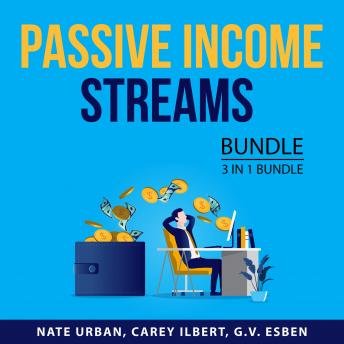
    Passive Income Streams Bundle, 3 in 1 Bundle: Passive Income Secrets, Passive In

    I remember starting my first shop with nothing but a Canva subscription and a few ideas for printable planners. I wasn’t an expert designer, but I understood what people needed. If you are sitting there wondering how much can you earn, the honest answer is that there is no ceiling. Some sellers make an extra $50 a month to cover their coffee habit, while others run full-time businesses generating thousands in monthly revenue. The difference usually comes down to niche selection and how well you understand Etsy SEO.

    The Low-Cost Reality of Digital Selling

    Before we jump into specific ideas, let’s talk numbers. One reason people love this model is the incredible ROI. Your startup costs are minimal. You might spend $12.60 a year for an Etsy listing fee, plus whatever you spend on design tools. If you use Canva, you can start with the free version, though the Pro version is worth it for the premium elements. If you prefer more advanced illustration, an Adobe Creative Cloud subscription is a larger upfront cost but offers much more flexibility.

    In terms of time investment, the “passive” part is a bit of a misnomer. You have to do a lot of active work upfront. Expect to spend anywhere from 5 to 20 hours creating a single high-quality product, including researching keywords and setting up your listing. Once the file is live, however, the maintenance is minimal—mostly just responding to occasional customer messages or updating files if a platform changes its requirements.

    Profitable Digital Product Categories to Explore

    Finding the right niche is the hardest part. You don’t want to enter a saturated market like “minimalist wall art” without a very specific angle. Instead, look for “micro-niches” where people have a specific problem to solve.

    Organized Living with Printables

    People are obsessed with productivity. This is a massive category because the demand is constant. If you can create something that helps someone manage their chaos, you have a winner.

    • Budget Trackers: Monthly expense logs, debt payoff thermometers, or savings challenge sheets.
    • Meal Planners: Weekly grocery lists, recipe card templates, or seasonal meal prep guides.
    • Habit Trackers: Daily check-ins for fitness, hydration, or mental health routines.
    • Cleaning Schedules: Deep cleaning checklists for homeowners or apartment renters.

    Small Business Tools and Templates

    Small business owners are often great at their craft but struggle with the administrative side of things. They are willing to pay for templates that save them time. This is a high-value niche because the products are functional rather than just decorative.

    • Social Media Templates: Instagram Story layouts, Pinterest pins, or cohesive feed aesthetics created in Canva.
    • Branding Kits: Logo templates, business card designs, and color palette guides.
    • Client Onboarding: Welcome guides, service contracts, or intake forms for photographers and coaches.
    • Thank You Cards: Small business inserts that customers can print and include in their physical packages.

    Event and Celebration Stationery

    Life milestones are expensive, and people are always looking for ways to cut costs without sacrificing style. Digital stationery allows customers to print as many copies as they need at home or a local print shop.

    • Wedding Stationery: Save the dates, RSVP cards, and seating charts.
    • Baby Shower Games: “Who knows Mommy best?” or “Baby Bingo” printables.
    • Birthday Party Decor: Editable cupcake toppers, banners, and themed invitations.
    • Holiday Cards: Seasonal greetings for Christmas, Halloween, or Thanksgiving.

    Tools to Help You Build Your Shop

    You don’t need to be a master of Photoshop to succeed. There are plenty of accessible tools that can help you create professional-grade assets. Here is what I recommend for a starting toolkit:

    1. Canva: The absolute best for beginners. It is intuitive and has a massive library of fonts and elements.
    2. Creative Fabrica: A great resource for finding commercial-use fonts and graphics so you aren’t just copying what everyone else is doing.
    3. eRank or Marmalead: These are SEO tools specifically for Etsy. They help you find out what people are actually searching for so you aren’t guessing.
    4. Google Sheets: If you are making complex budget trackers or data-driven planners, this is your best friend.

    How to Avoid the “Saturation Trap”

    The biggest mistake new sellers make is trying to sell everything to everyone. If you open a shop that sells wedding invites, budget planners, and clip art, you will likely struggle to gain any traction. Etsy’s algorithm prefers shops that have a clear identity and authority in a specific area.

    Instead of just making “planners,” try making “ADHD-friendly daily planners” or “Digital planners for nursing students.” The more specific you are, the easier it is to show up in search results. When you narrow your focus, your marketing becomes much more efficient because you know exactly who your customer is and what their pain points are.

    If you are ready to stop trading hours for dollars and start building an asset, pick one niche from the list above, spend this weekend researching it on eRank, and create your first three listings. The goal isn’t perfection; it’s getting your first product live and learning from the data.

    Ready to start your Etsy journey? Pick one niche today and create your first template!

    Our Top Picks

    Products we recommend:

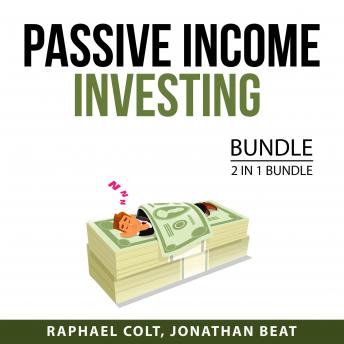
    1. Passive Income Investing Bundle, 2 in 1 Bundle: Passive Income Options, Passive Income Ideas

    Passive Income Investing Bundle, 2 in 1 Bundle: Passive Income Options, Passive Income Ideas

    Passive Income Investing Bundle, 2 in 1 Bundle: Passive Income Options, Passive Income Ideas

    by Audiobooks.com

    $8.99

    Check Price →

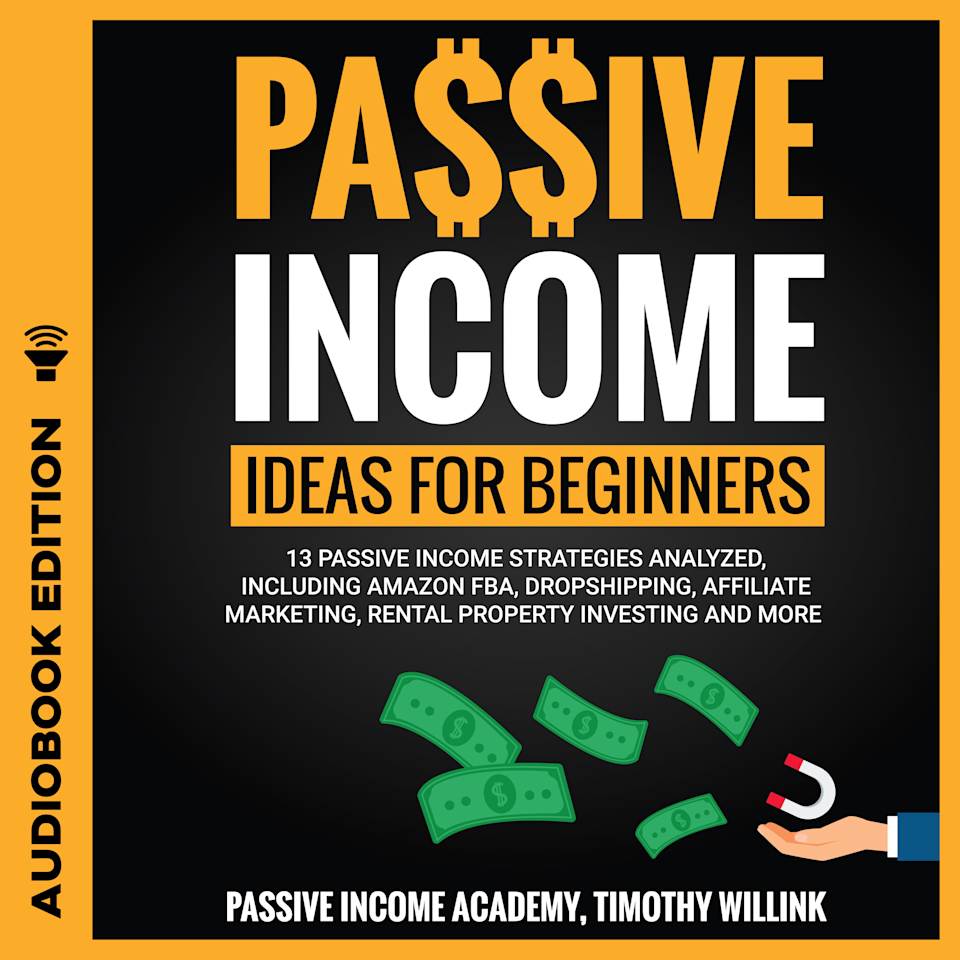
    2. Passive Income Ideas for Beginners – Audiobook, by Timothy Willink

    Passive Income Ideas for Beginners - Audiobook, by Timothy Willink

    Passive Income Ideas for Beginners – Audiobook, by Timothy Willink

    by Chirp Books

    $13.99

    Check Price →

    3. Passive Income For Dummies

    Passive Income For Dummies

    Passive Income For Dummies

    by BiggerBooks.com

    $24.47

    Check Price →

  • Etsy Digital Download Ideas For Passive Income

    Etsy Digital Download Ideas For Passive Income

    Imagine waking up, checking your phone, and seeing three new notifications for sales you made while you were sleeping. No packing boxes, no trips to the post office, and no dealing with shipping delays. This is the reality of selling digital downloads on Etsy. Unlike physical goods, once you upload a file, it stays in your shop forever, ready to be purchased and delivered automatically.

    Passive Income Streams Bundle, 3 in 1 Bundle: Passive Income Secrets, Passive In

    If you have ever compared this side hustle vs traditional job, the main difference is the scalability. In a standard job, you trade hours for dollars. With digital products, you spend the time upfront to create the asset, and then you can sell it a thousand times without extra effort. It isn’t a “get rich quick” scheme, but it is a way to build a predictable stream of revenue if you pick the right products.

    Low-Cost Digital Product Categories That Actually Sell

    The best way to start is by looking at what people are already searching for. You don’t need to reinvent the wheel; you just need to provide a better, prettier, or more organized version of what exists.

    Printable Organizers and Planners

    People are obsessed with productivity. Whether it is a meal planner, a fitness tracker, or a budget worksheet, there is a massive market for organized lives. These are relatively simple to create using tools like Canva or even Google Sheets.

    • Startup cost: $0 (if using free versions of Canva).
    • Time investment: 2-5 hours per template.
    • Potential ROI: High, because one well-designed template can sell for years.

    Digital Wall Art and Decor

    Interior design enthusiasts love finding unique art without the gallery price tag. You can create minimalist line art, botanical prints, or nursery themes. Using software like Adobe Illustrator or Procreate (on an iPad) allows you to create high-resolution files that look great when printed.

    • Startup cost: $50-$100 (for an iPad or design software subscription).
    • Time investment: Variable, depending on your artistic skill.
    • Potential ROI: Moderate, but great for building a brand aesthetic.

    Educational Resources for Teachers and Parents

    Homeschooling is on the rise, and teachers are constantly looking for fresh classroom materials. This includes flashcards, coloring pages, or lesson plan templates. If you have a background in education, this is a goldmine.

    • Startup cost: Very low.
    • Time investment: High initial research time to ensure educational accuracy.
    • Potential ROI: High, as seasonal trends (like back-to-school) create massive spikes in sales.

    Tools to Help You Build Your Shop

    You don’t need a degree in graphic design to succeed here. Most successful Etsy sellers use a specific stack of accessible tools to get the job done.

    Canva is the undisputed king for beginners. It is intuitive and has thousands of elements you can use to build layouts. However, if you want to create more complex, scalable vector graphics, learning Adobe Illustrator or Affinity Designer is a smart move. For those interested in the data side, using EtsyHunt or eRank is essential. These tools allow you to see exactly what keywords people are typing into the search bar, which takes the guesswork out of your product creation.

    Don’t forget about Pinterest. While Etsy has its own internal traffic, using Pinterest to pin your product mockups can drive massive amounts of external visitors to your shop for free.

    Managing Your Expectations and Budget

    Let’s get real about the numbers. While you might see screenshots of people making $10,000 a month, most shops start much smaller. A realistic startup cost for an Etsy shop is incredibly low—just $0.20 per listing—but you should budget at least $50 for design tools and some basic marketing.

    Expect to see your first sale within the first month if you are targeting specific niches, but true “passive” income usually takes 6 to 12 months of consistent uploading to build momentum. You aren’t just making a product; you are building a library of assets. The more high-quality listings you have, the higher your chances of catching a searcher’s eye.

    How to Avoid Common Mistakes

    1. Ignoring SEO: If you don’t use the right keywords in your titles and tags, nobody will find you.
    2. Low Resolution: Always ensure your files are 300 DPI. If a customer prints your art and it looks blurry, they will leave a bad review.
    3. Copying others: There is a fine line between inspiration and theft. Always create your own unique designs to avoid legal trouble and to build your own brand identity.

    Scaling Your Success

    Once you find a product that works, don’t stop there. If your “Daily Habit Tracker” is selling well, try creating a “Weekly Goal Setter” or a “Monthly Review Sheet.” This is how you expand your shop’s footprint without having to constantly hunt for entirely new niches. You are essentially building a profitable ecosystem of related products that encourage customers to buy multiple items from you in a single transaction.

    If you are ready to stop trading your time for a paycheck and start building something that works for you, now is the time to start experimenting. Pick one niche, create five high-quality listings, and see what happens.

    Ready to start your Etsy journey? Grab a notebook, research three niches on eRank today, and commit to creating your first digital download this week!

    Our Top Picks

    Products we recommend:

    1. Passive Income Investing Bundle, 2 in 1 Bundle: Passive Income Options, Passive Income Ideas

    Passive Income Investing Bundle, 2 in 1 Bundle: Passive Income Options, Passive Income Ideas

    Passive Income Investing Bundle, 2 in 1 Bundle: Passive Income Options, Passive Income Ideas

    by Audiobooks.com

    $8.99

    Check Price →

    2. Etsy for Beginners by The Passive Income Strategist, Paperback | Indigo Chapters

    Etsy for Beginners by The Passive Income Strategist, Paperback | Indigo Chapters

    Etsy for Beginners by The Passive Income Strategist, Paperback | Indigo Chapters

    by Indigo Books & Music

    $21.99

    Check Price →

    3. Passive Income Ideas for Beginners – Audiobook, by Timothy Willink

    Passive Income Ideas for Beginners - Audiobook, by Timothy Willink

    Passive Income Ideas for Beginners – Audiobook, by Timothy Willink

    by Chirp Books

    $13.99

    Check Price →

  • How To Automate Your Etsy Shop With Ai Tools

    How To Automate Your Etsy Shop With Ai Tools

    Running an Etsy shop often feels like a second full-time job. Between hunting for trending products, writing product descriptions, and managing customer messages, it is easy to spend more time staring at a screen than actually creating anything. I remember when I used to spend three hours just trying to figure out which keywords would actually bring people to my listings. It was exhausting and, frankly, not very scalable.

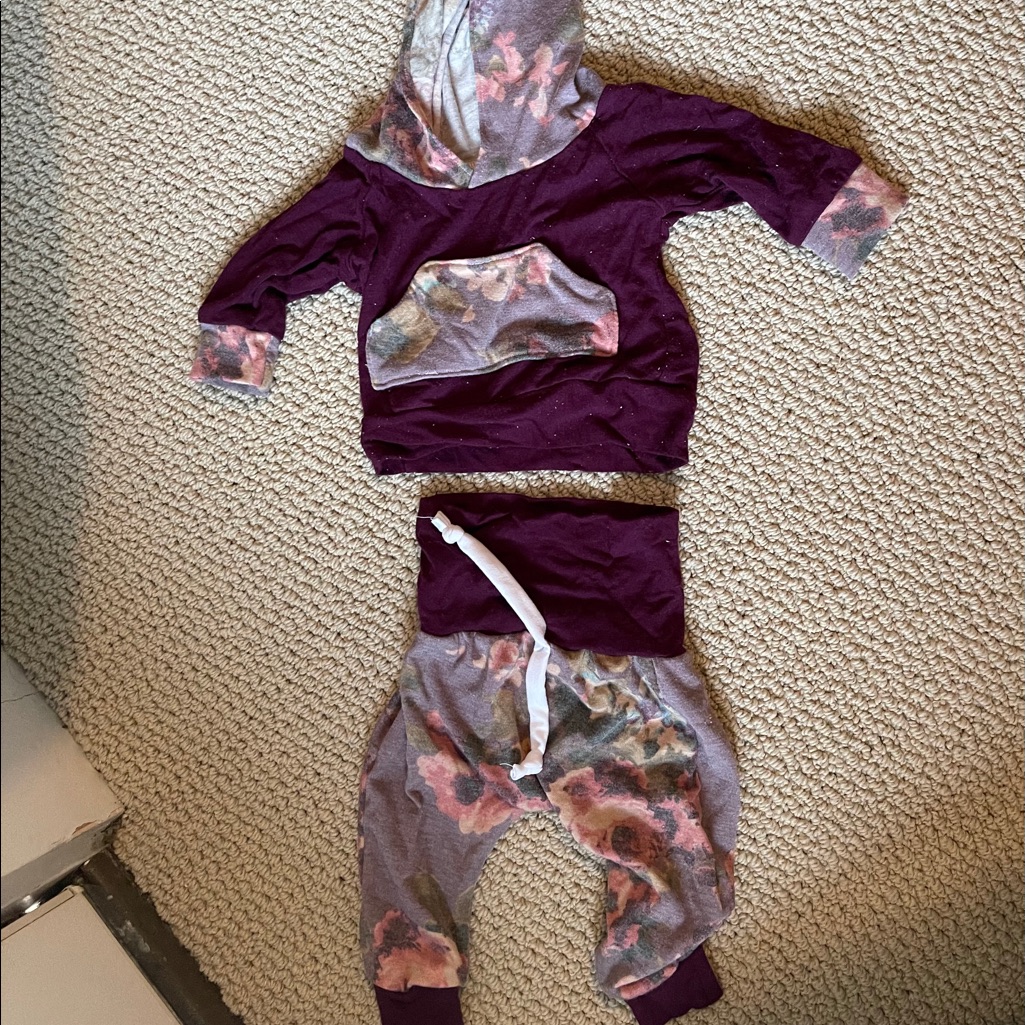
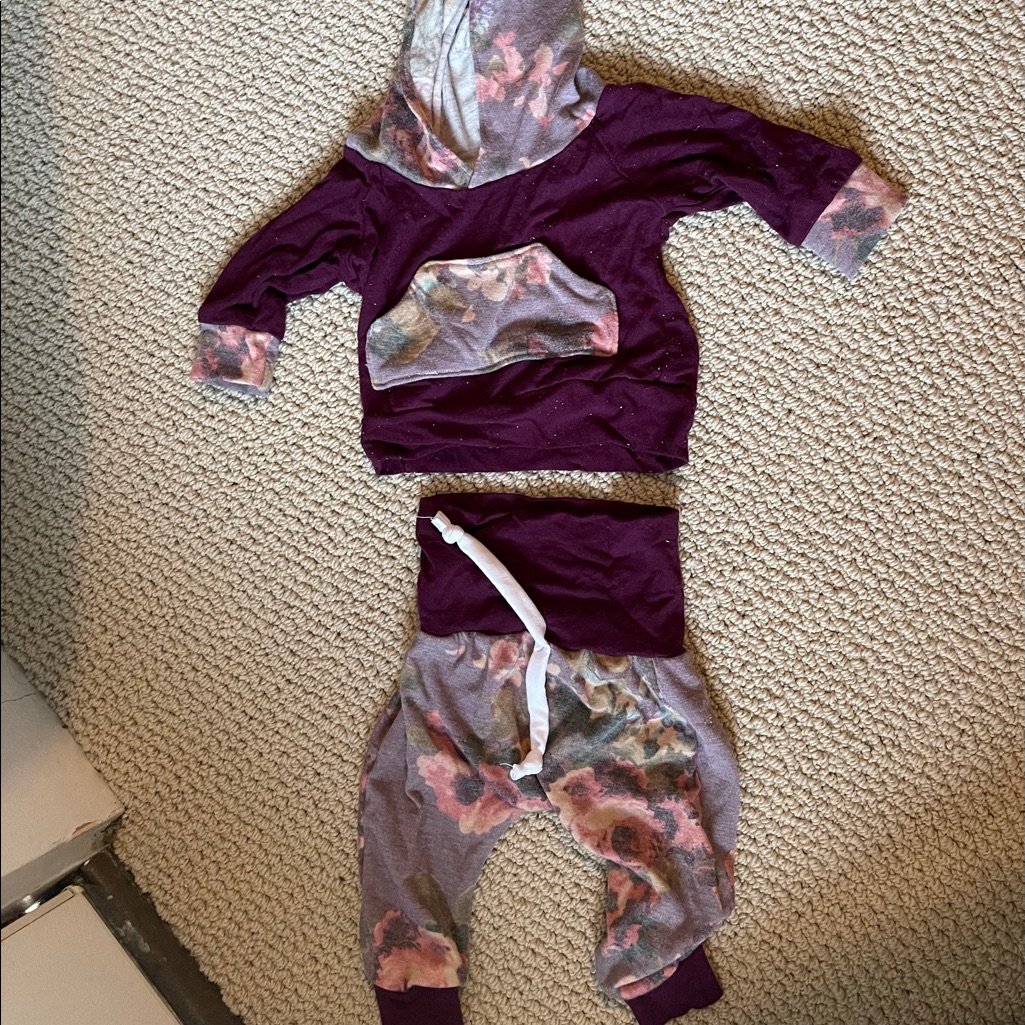
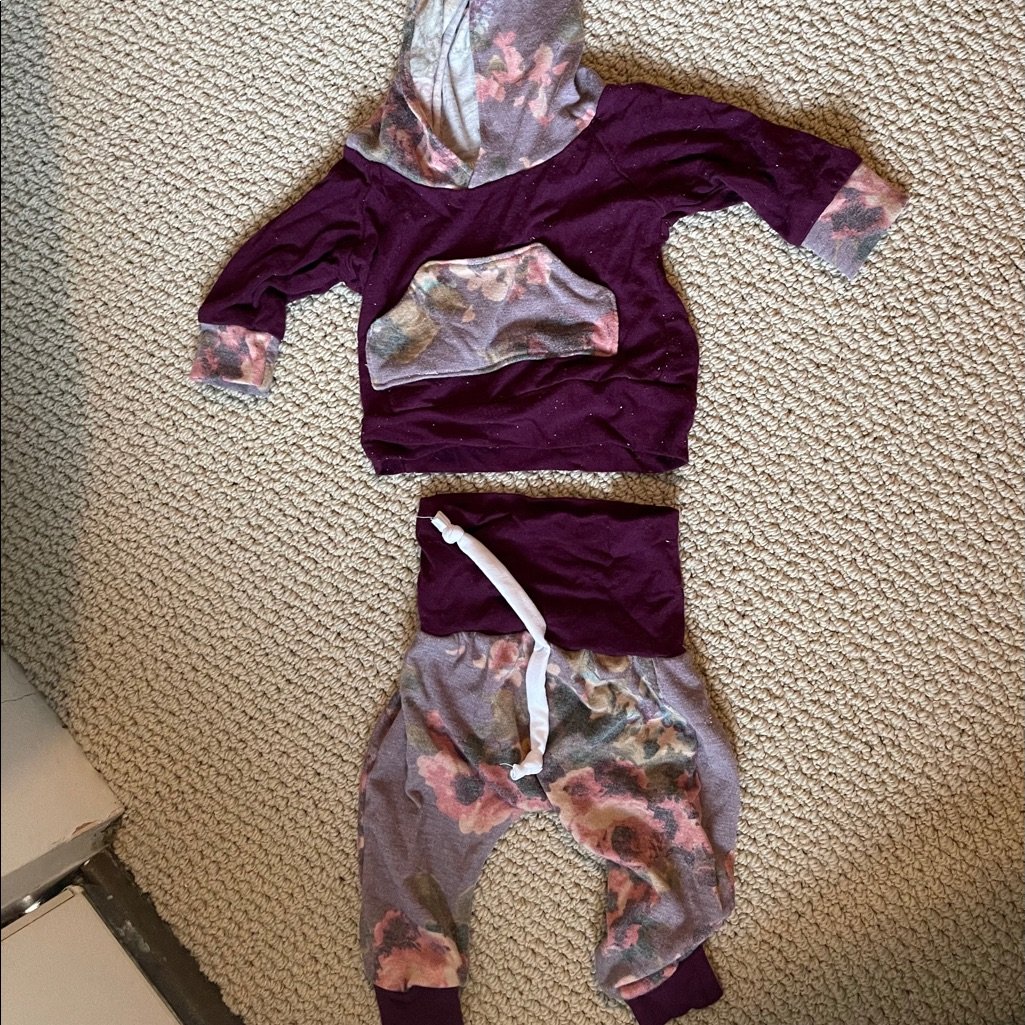
    Two Piece, Etsy Shop

    The good news is that you don’t have to do every single repetitive task manually anymore. By using artificial intelligence, you can reclaim your time and focus on the creative side of your business. If you are wondering how much can you earn by automating, the answer depends on your niche, but the real value lies in the hours you save. A shop making $500 a month manually might take 20 hours a week, whereas an automated setup could handle that same volume in just 5 hours.

    Where to start with AI automation

    Automation isn’t about letting a robot run your entire business while you sleep; it is about building a system that handles the “busy work.” For a beginner, the startup cost for these tools is surprisingly low. Most of the best tools offer free tiers or monthly subscriptions ranging from $10 to $30. You don’t need a massive budget to get started.

    You can divide your automation strategy into three main pillars: product research, listing creation, and customer management. Each of these areas has specific tools that can take the heavy lifting off your shoulders.

    Finding winning products with data

    Stop guessing what will sell. Instead of scrolling through Pinterest for hours, use AI-driven market research tools. These platforms analyze Etsy search data, competitor sales, and trending tags to tell you exactly what customers are looking for right now.

    • eRank: This is a classic for a reason. It helps you find high-volume, low-competition keywords. It is very beginner friendly and provides deep insights into what your competitors are doing.
    • Alura: This tool is fantastic for tracking sales trends. It can show you estimated monthly revenue for specific listings, which takes the guesswork out of product development.
    • Everbee: If you want to see how many times a specific item has been sold in the last month, Everbee is your best friend. It provides a clear window into market demand.

    Streamlining your listing workflow

    Writing 50 different product descriptions is a recipe for burnout. This is where generative AI becomes your most valuable assistant. You can feed a tool a few basic details about your item—like material, size, and color—and have a professional, SEO-optimized description ready in seconds.

    Generating SEO-friendly descriptions

    ChatGPT or Claude are the industry standards here. Instead of just asking them to “write a description,” give them a specific persona. Tell the AI: “Act as an expert Etsy SEO specialist. Write a compelling, conversational product description for a handmade soy candle using these keywords…”

    By providing a list of keywords you found in eRank, you ensure the AI integrates them naturally. This prevents your listings from looking like spam while still helping you rank higher in Etsy search results.

    Creating eye-catching visuals

    High-quality photos are non-negotiable on Etsy, but setting up a professional photoshoot is expensive. AI image tools can help you enhance your existing photos or even create lifestyle mockups.

    Tools like Canva now have integrated “Magic Edit” features. You can take a simple photo of a print on a plain background and use AI to place it into a realistic living room setting. This saves you the cost of buying props or hiring a photographer. Another option is Midjourney, which can generate incredibly realistic textures or background elements, though it has a slightly steeper learning curve.

    Managing customers and operations

    As your shop grows, the number of “Is this still available?” or “When will this ship?” messages will skyrocket. Managing these manually can eat up your entire afternoon.

    While Etsy doesn’t allow fully automated bots to talk to customers (you want to keep that human touch), you can use AI to draft responses. You can create a library of “Smart Replies” in tools like TextExpander or simply use ChatGPT to rewrite your canned responses so they sound empathetic and helpful rather than robotic.

    < ability to automate your backend tasks:

    1. Inventory tracking: Use tools like Printful or Printify if you are in the Print-on-Demand niche. When an order comes in, these platforms automatically handle the production and shipping, meaning you never have to touch a piece of packaging tape.
    2. Email marketing: Use Mailchimp or Klaviyo to set up automated “Thank You” sequences. When a customer buys from you, they are automatically added to a list that sends them a discount code for their next purchase a month later.

    Realistic expectations for your shop

    It is easy to get caught up in the idea that automation is a “set it and forget it” solution. It isn’t. You still need to monitor your analytics, check for quality control, and update your keywords as trends change. Think of AI as an intern—it does the grunt work, but you are still the CEO.

    If you invest about 2-3 hours a week into refining your automation prompts and checking your data, you can maintain a much larger, more profitable shop than someone trying to do everything by hand. The startup cost is minimal, but the time savings are massive.

    If you’re ready to stop drowning in spreadsheets and start focusing on your craft, pick one area—maybe it’s just your descriptions—and implement one AI tool this week. Small steps lead to big shifts in your workflow.

    Want more tips on scaling your side hustle? Subscribe to my newsletter for weekly deep dives into automation and e-commerce growth.

    Our Top Picks

    Products we recommend:

    1. How to Etsy: Your Step by Step Guide to Etsy

    How to Etsy: Your Step by Step Guide to Etsy

    How to Etsy: Your Step by Step Guide to Etsy

    by Audiobooks.com

    $19.99

    Check Price →

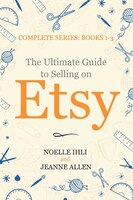
    2. The Ultimate Guide To Selling On Etsy: How To Turn Your Etsy Shop Side Hustle Into A Business

    The Ultimate Guide To Selling On Etsy: How To Turn Your Etsy Shop Side Hustle Into A Business

    The Ultimate Guide To Selling On Etsy: How To Turn Your Etsy Shop Side Hustle Into A Business

    by Indigo Books & Music

    $18.50

    Check Price →

    3. How to Automate Your Life with Google Gemini – Audiobook, by Julian Brantor

    How to Automate Your Life with Google Gemini - Audiobook, by Julian Brantor

    How to Automate Your Life with Google Gemini – Audiobook, by Julian Brantor

    by Chirp Books

    $8.99

    Check Price →

  • How To Automate Your Etsy Shop With Ai Tools

    How To Automate Your Etsy Shop With Ai Tools

    Running an Etsy shop often feels like you’re wearing fifteen different hats at once. One minute you are a designer, the next you are a customer service rep, a shipping clerk, and a full-time SEO specialist. If you find yourself staring at a mountain of unwritten product descriptions at 2 AM, you aren’t alone. The good news is that you don’t need to hire a massive team to scale your business. You can use artificial intelligence to handle the repetitive, soul-crasting tasks, leaving you more time to actually create.

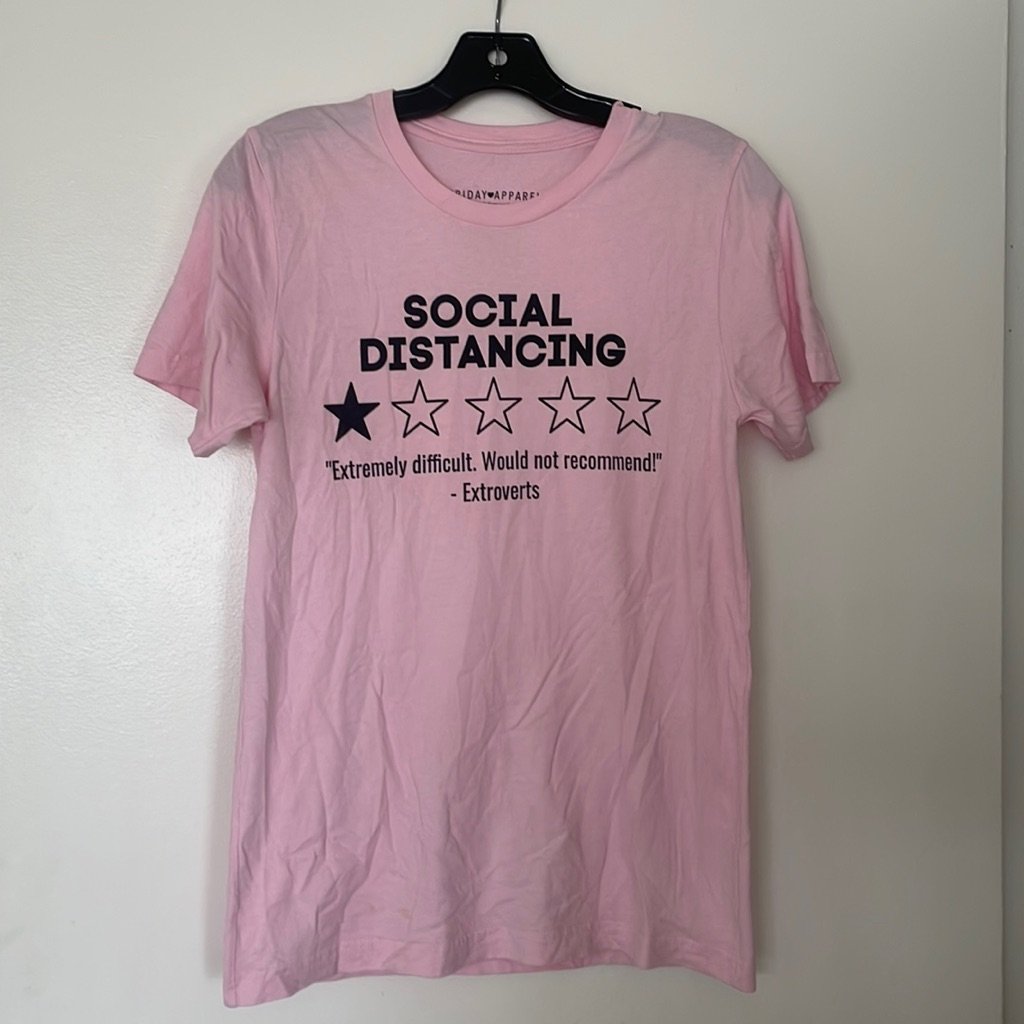
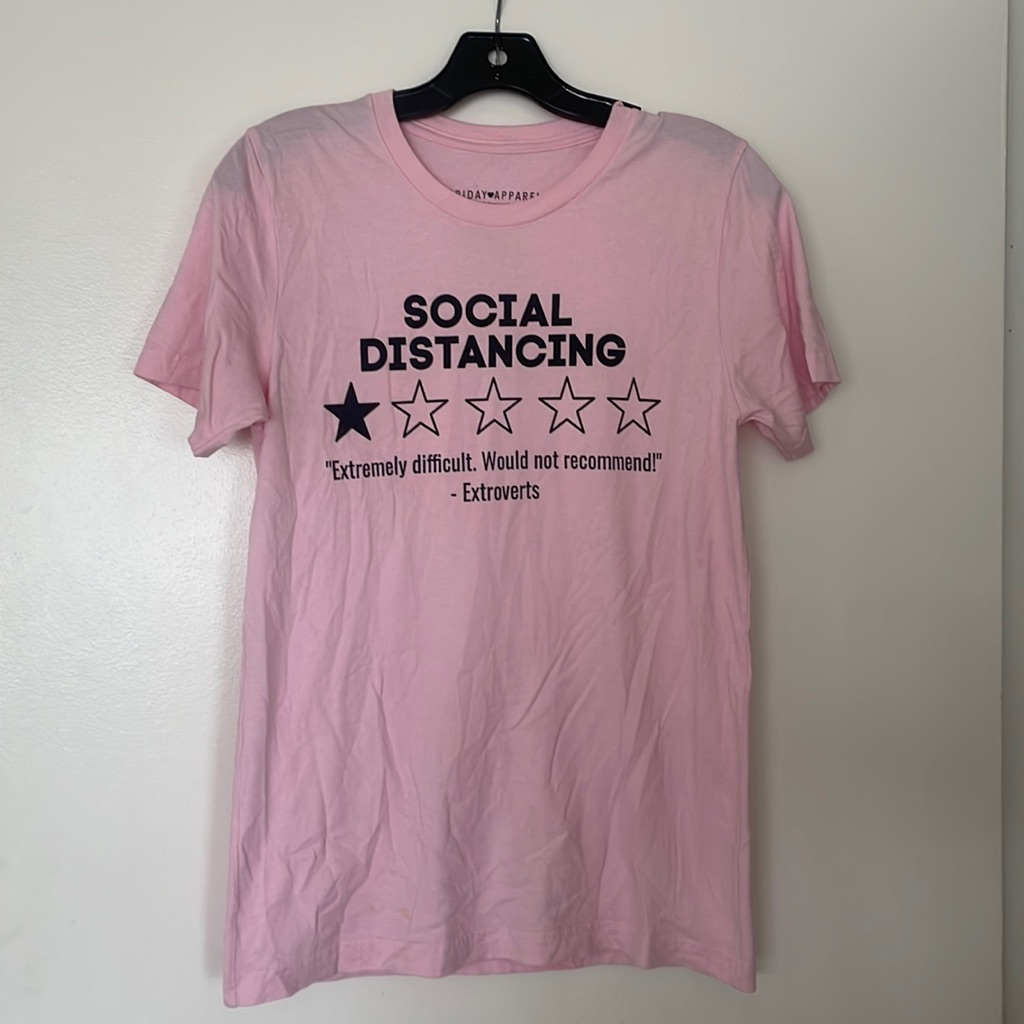
    Etsy Shop Tshirt

    Many people look at Etsy as a way to escape the 9-to-5 grind, often comparing the flexibility of an e-commerce side hustle vs traditional job structures. While the freedom is great, the workload can quickly become unmanageable without some help. By integrating a few smart tools, you can transform your shop from a time-consuming hobby into a streamlined business.

    Where to Start with AI Automation

    Before you go downloading every new app you see on TikTok, it helps to identify where your biggest bottlenecks are. Automation isn’t about letting a robot run your entire life; it is about delegating the boring stuff. Most Etsy sellers struggle with three main areas: copywriting, image editing, and market research.

    The startup cost for an automated workflow is surprisingly low. You don’t need a thousand-dollar budget. Most of the tools mentioned below have free tiers or monthly subscriptions ranging from $10 to $30. If you are just starting out, you can likely automate 60% of your workflow for less than the cost of a few cups of coffee per month.

    Streamlining Your Product Listings

    Writing SEO-friendly titles and descriptions is arguably the most tedious part of Etsy management. You need to include specific keywords to rank in search, but you also want to sound human and inviting. This is where Large Language Models (LLMs) shine.

    Writing Descriptions with ChatGPT or Claude

    Instead of staring at a blank screen, use ChatGPT or Claude to generate your initial drafts. A beginner friendly way to do this is to feed the AI a list of your product’s features—like material, size, and color—and ask it to write a descriptive, SEO-optimized product description. You can even tell it to adopt a specific brand voice, such as “whimsical and cozy” or “minimalist and professional.”

    Optimizing Tags and Titles with Erank or Marmalead

    While these aren’t “AI” in the sense of chatting with a bot, they use complex algorithms to analyze Etsy search data. They help you identify which long-tail keywords are actually being searched for by real customers. Using these tools alongside an AI writer ensures that your descriptions aren’t just pretty, but actually searchable.

    • ChatGPT: Great for creative writing and bulk description generation.
    • Erank: Essential for keyword research and tracking competitor performance.
    • Claude: Excellent for a more natural, less “robotic” writing tone.

    Visual Content Automation

    Your photos are the first thing a customer sees. If your photos look amateur, your sales will reflect that. High-quality product photography used to require expensive lighting setups and hours of post-production, but AI has changed the math.

    Using AI for Background Removal and Enhancement

    Tools like Photoroom or Canva’s Magic Studio allow you to take a simple photo taken on your phone and instantly remove a messy kitchen background. You can replace it with a clean, aesthetic studio setting. This saves hours of manual editing and makes your shop look much more professional.

    Generating Mockups with Midjourney or Kittl

    If you sell digital downloads, print-on-demand (POD) items, or clip art, you don’t always need to photograph physical items. You can use Midjourney to create incredibly realistic lifestyle scenes. For example, if you sell digital posters, you can generate an image of a modern living room with a blank frame on the wall, then overlay your art using a tool like Kittl. This significantly reduces your time investment per new product launch.

    Automating Customer Service and Operations

    As your order volume grows, so do the questions. “When will this ship?” or “Can I get this in blue?” These repetitive queries can eat up your entire afternoon. While you should always provide a human touch for complex issues, you can automate the basics.

    Setting Up Smart Saved Replies

    Etsy allows you to create “Snippets.” While not fully autonomous, you can use AI to draft a library of perfect, polite responses to common questions. Copy these into your Etsy settings so you can reply to customers in two clicks rather than typing the same sentence fifty times a week.

    Managing Order Data with Zapier

    If you want to get advanced, Zapier can connect your Etsy shop to other apps. For instance, you can set up a “Zap” that automatically adds every new order’s information to a Google Sheet. This allows you to track your monthly revenue and inventory levels without manual data entry. It’s a bit more technical to set up, but once it’s running, you won’t have to touch it again.

    Realistic Expectations: Costs and Earnings

    It is easy to get caught up in the idea of “passive income,” but let’s keep it real. Even with AI, you are still managing a business. Here is a breakdown of what you might expect when implementing these tools.

    Metric Estimate
    Monthly Software Cost $30 – $100
    Weekly Time Investment 5 – 10 hours (once automated)
    Potential Monthly Income $100 (side hobby) to $5,000+ (established shop)

    The income range is massive because it depends entirely on your niche and your ability to drive traffic. However, the goal of automation is to ensure that as your income moves from $100 to $5,000, your workload doesn’t move from 5 hours to 50 hours.

    Final Thoughts on Scaling Your Shop

    Automation is a tool, not a replacement for your creativity. The best Etsy shops are those that combine human artistry with efficient systems. Use AI to handle the data, the keywords, and the background removal, but keep your unique brand voice and your eye for design at the center of everything you do.

    If you are feeling overwhelmed, pick just one area—like product descriptions—and try implementing one tool this week. Small, incremental changes are much more sustainable than trying to overhaul your entire business overnight.

    Ready to take your Etsy shop to the next level? Start by auditing your weekly tasks and identifying the one task you hate doing most. That is your first candidate for automation!

    Our Top Picks

    Products we recommend:

    1. How to Etsy: Your Step by Step Guide to Etsy

    How to Etsy: Your Step by Step Guide to Etsy

    How to Etsy: Your Step by Step Guide to Etsy

    by Audiobooks.com

    $19.99

    Check Price →

    2. The Ultimate Guide To Selling On Etsy: How To Turn Your Etsy Shop Side Hustle Into A Business

    The Ultimate Guide To Selling On Etsy: How To Turn Your Etsy Shop Side Hustle Into A Business

    The Ultimate Guide To Selling On Etsy: How To Turn Your Etsy Shop Side Hustle Into A Business

    by Indigo Books & Music

    $18.50

    Check Price →

    3. How to Automate Your Life with Google Gemini – Audiobook, by Julian Brantor

    How to Automate Your Life with Google Gemini - Audiobook, by Julian Brantor

    How to Automate Your Life with Google Gemini – Audiobook, by Julian Brantor

    by Chirp Books

    $8.99

    Check Price →